



 Download VideoSolo Player For FREE!
Finding the perfect media player can be the difference between your videos playing seamlessly or lagging annoyingly, as well as the amount of control you get over playback. Will discover together which are the top 5 media players for Windows 11 by their key features, unique advantages, and possible disadvantages so that you can select the one that suits you most. No matter if you want a quick and straightforward player, a player with extreme customization, or one that can play high-resolution videos without any problem, this guide will allow you to make the right decision. If you need a media player for Windows 11 that you can trust, then you have come to the right place.
Part 1. Best Media Player for Windows 11
Selecting the perfect media player for Windows 11 has the power to transform your video-watching experience totally. Some players are ideal for 4K videos, some are minimalistic and quick, and a few can even play Blu-ray or DVD without breaking a sweat. The built-in Windows Media Player might have problems like "Windows Media Player No Sound" error. Therefore, you might need good alternatives. Next, we'll talk about the top media players for Windows 11, so it won’t be hard for you to pick the one that matches your viewing habits.
1. VideoSolo Video Player — Best Media Player for Windows 11
If you’re looking for a media player that’s reliable, fast, and packed with features, VideoSolo Video Player should be at the top of your list. It is a top choice for users who want more than the default Windows Media Player Windows 11 offers, designed for modern Windows systems, and supporting almost every video and audio format. The player is ideal for casual viewers as well as users who want to personalize their playback experience.
 Features
- Supports 4K, 8K, and HD video playback
- Many other formats are supported, such as MP4, MKV, AVI, MOV, FLV, and more
- Customizable playback settings for video and audio
- Subtitle support with adjustable fonts and colors
- Built-in screenshot and playlist management
 pros
pros
- Playback that is lag-free and fluid, especially for high-resolution videos
- Lightweight and won't cause your system to lag
- Great support for playlists and subtitles
 Cons
Cons
- Some advanced features may take time to explore
- Compared to the full version, the free edition contains fewer features
How to Use VideoSolo Video Player
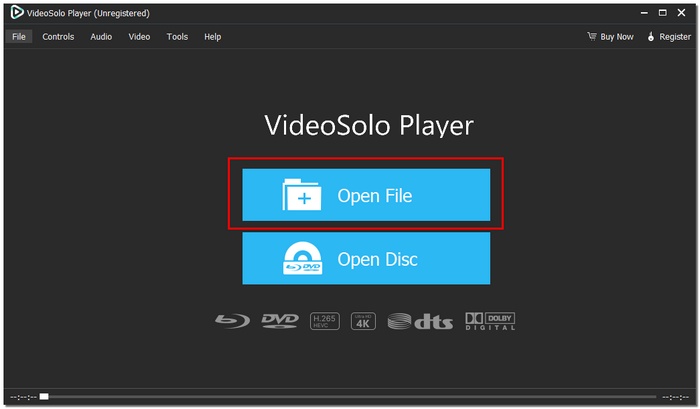
Step 1. Download the setup, and then adhere to the installation instructions of our tool. To browse, launch our player and hit Open File.
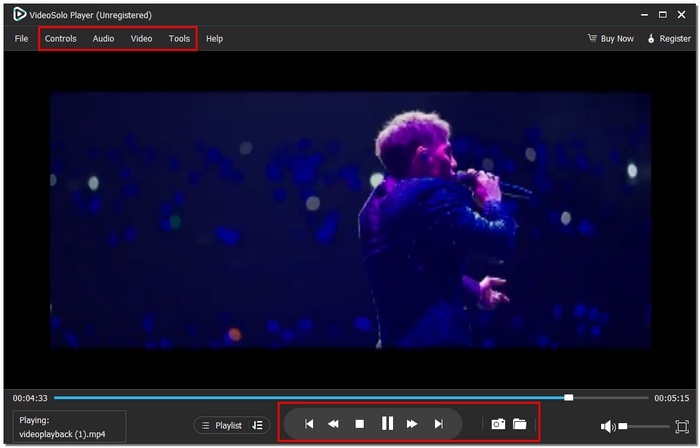
Step 2. Customize playback, video effects, and audio settings according to your preference. You can click the subtitle menu to import or adjust subtitles as needed.
Step 3. Add multiple files to your playlist for uninterrupted playback or capture any scene using the built-in screenshot feature. Sit back and relax by watching on your Windows 11 using this player.
User Experience
VideoSolo Video Player works really well. Videos open right away, you get smooth playback all the time, and it's very easy to go from one file to the next. Both novice and expert users will enjoy the interface's attractive appearance and ease of use. In comparison with the default media player in Windows 11, it delivers a richer and flexible viewing experience, which is just right for daily use.
2. Leawo Blu-ray Player — Best for High-Quality Blu-ray and DVD Playback
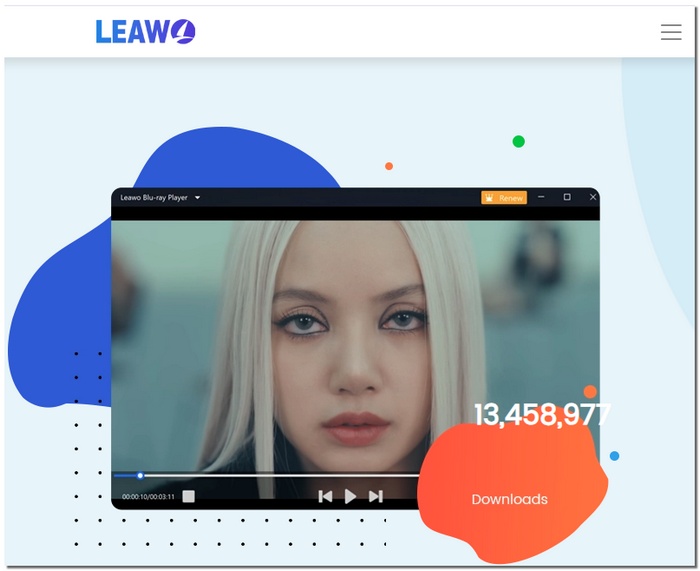
Leawo Blu-ray Player is a free, multi-functional media player for Windows 11, mainly focusing on high-quality playback of Blu-ray, DVD, and HD videos. It takes a step further than the regular players by giving you a full-fledged movie theater experience at home, since it can handle almost all the popular video and audio formats. If you want a player that focuses on superior video quality and smooth DVD/Blu-ray performance, this is a solid choice for a free media player for Windows 11.
pros
- Plays Blu-ray and DVDs with full menu support
- Supports up to 4K UHD playback and lossless audio formats
- Built-in virtual remote for easy navigation
Cons
- The interface may feel a bit cluttered for beginners
- Compared to gamers who pay, there are fewer sophisticated personalization possibilities
User Experience
It is a great experience to watch movies with the Leawo Blu-ray Player. It is like bringing a mini home theater to your Windows 11 PC. The entire playback went very smoothly, the discs were loading at a swift pace, and the image quality was just perfect, especially on high-res monitors. So, if there are people out there looking for a simple to use, high-quality, cost-effective media player for Windows 11, then this player is definitely a safe and trustworthy option, which is capable of playing both discs and digital files without any hassle.
3. SMPlayer — Best for Built-in Codecs & Easy Customization
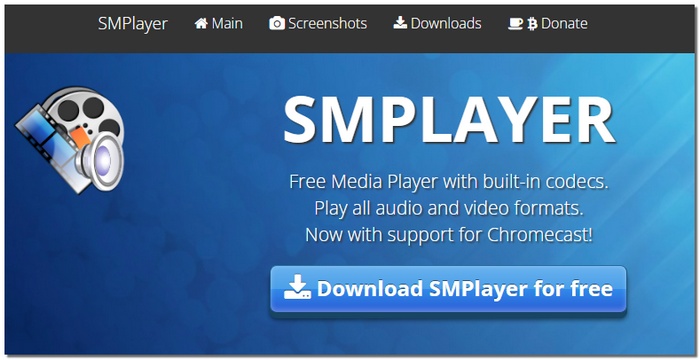
SMPlayer is a simple and lightweight media player that packs a lot of power. It has all the codecs you might need already bundled with it, so there is no need to download separate packages just to play a normal or a rare video file. SMPlayer is usually compared to such programs as VLC Media Player for Windows 11. However, it differs from them in its ability to provide more playback memory functions and more in-depth user customization without the user being flooded with options.
pros
- Remembers playback position, audio tracks, and subtitles automatically
- Built-in codecs let you play most formats right away
- Advanced playback controls like speed adjustment and video filters
Cons
- Unsuitable for sophisticated streaming features or Blu-ray menus
- Not as many updates as the more popular players
User Experience
Using SMPlayer on Windows 11 is generally a good experience. The resume, play functionality is definitely a must-have feature! It's absolutely perfect for cross-day video consumption continuity. Even on performance-wise less capable machines, playback remains relatively steady, which means that this piece of software can take a spot on the daily rotation list. SMPlayer may lack aesthetic appeal compared to apps that come with a more modern UI, but it is nevertheless on par in terms of reliability and functionality.
4. 5KPlayer — Best for Streaming and High-Resolution Playback
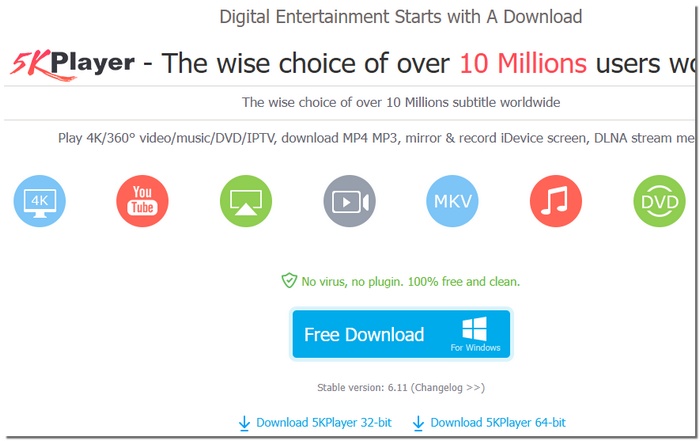
5KPlayer is a versatile media player for Windows 11 free users who want more than just basic video playback. In addition to playing local files, it provides streaming options such as AirPlay and DLNA, allowing you to send videos to TVs and other devices. If you like viewing videos on different screens or need online features integrated without additional software, then 5KPlayer is the one that offers you the freedom to do so on your PC.
pros
- Supports high-resolution playback up to 4K and 5K
- Built-in AirPlay and DLNA streaming support
- Allows downloading videos from specific online sources
Cons
- Occasional prompts to install additional components
- A streaming setup can be confusing for beginners
User Experience
Using 5KPlayer on Windows 11 is a charming experience. The app feels smooth and is quite capable in a way that maybe one wouldn't expect. Videos are fast to load, and they run smoothly, even if one decides to use a bigger screen. The streaming options are good and valuable, but they require a little bit of time if you want to have everything perfect.
5. GOM Player — Best for Advanced Controls and Subtitle Support
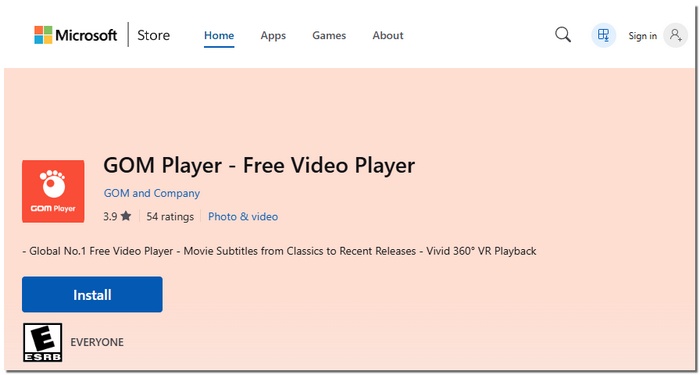
GOM Player is a feature-rich video player that’s often chosen by users who want more control over how their videos play. GOM Player is mainly known for its potent subtitle tools and can handle almost any format. If you find that the default Microsoft Media Player for Windows 11 is holding you back, GOM Player gives you more options without being too complex.
pros
- Plays most video formats without needing extra codecs
- Excellent subtitle search and synchronization tools
- Customizable playback settings and keyboard shortcuts
Cons
- Free version includes ads
- The interface may feel busy for first-time users
User Experience
GOM Player works flawlessly and is very responsive on Windows 11, even with 4K videos. The subtitle features are amazing! You can quickly download subtitles from the internet and fix the timing if they are in different sync. It might take a little time to get through all the options. Still, after you get used to it, GOM Player seems like a significant, powerful upgrade to the Microsoft Media Player for Windows 11 users who watch a lot of foreign films or customized playlists.
Part 2. Comparison Table of the Best Media Players for Windows 11
To facilitate the comparison, the following table presents a brief side-by-side comparison of the best media players for Windows 11. It highlights the essential details such as the supported platforms, resolution, formats, filters, and subtitle options, thus allowing you to quickly identify the best media player on Windows 11 that suits your requirements.
| Media Player | Platform | Max Resolution | Supported Formats | Video Filters | Subtitle Import |
|---|---|---|---|---|---|
| VideoSolo Video Player | Windows 11 | Up to 8K | MP4, MKV, AVI, MOV, FLV, WMV | Yes | Yes |
| Leawo Blu-ray Player | Windows 11 | Up to 4K UHD | Blu-ray, DVD, MP4, AVI, MKV | Limited | Yes |
| SMPlayer | Windows 11 | Up to 4K | MP4, MKV, AVI, MOV, more | Yes | Yes |
| 5KPlayer | Windows 11 | Up to 5K | MP4, MKV, AVI, HEVC, more | Limited | Yes |
| GOM Player | Windows 11 | Up to 4K | MP4, MKV, AVI, FLV, more | Yes | Yes |
Conclusion
One's personal video-watching habits largely determine the choice of an appropriate media player on a PC. There might be individuals who only require basic playback functionalities, whereas some might prioritize features like high resolution, subtitle support, or smoother performance on the latest systems. The applications discussed here offer you good alternatives based on what you want. So, it boils down to which player syncs with your regular viewing pattern and runs Windows Media Player Windows 11 without any interruptions, thereby letting you watch videos with ease.
More Reading

Play your videos/music in 100+ formats and region-free DVDs/Blu-rays with 4K and Dolby Atmos experiences.

