



 Download VideoSolo Player For FREE!
Choosing the correct video player can make a big difference in how you enjoy your movies, shows, and local media files. With so many options available for Windows and Mac, it’s easy to end up using a player that lacks format support, smooth playback, or useful features. That’s why this article is for you! This guide reviews and compares 11 of the best video players, focusing on real user experience, key features, pros and cons, and compatibility. Whether you want a simple player or a powerful all-in-one solution, this helps you quickly find the best video player for your needs without wasting time on trial and error.

Part 1. The Best Video Player [Hot]
VideoSolo Video Player is definitely the best of the ten options due to its fluid playback, wide range of supported formats, and simple, easy-to-use interface. The program is aimed at users who simply want their videos to play without lag, complex configuration, or missing codecs. The software also delivers stable performance on both Mac and Windows.
Key Features
- Supports almost all video and audio formats (MP4, MKV, AVI, MOV, MP3, FLAC, and more)
- Smooth playback for HD, Full HD, 4K, and even 8K videos
- Advanced audio technologies like Dolby and DTS for better sound quality
- Subtitle support with easy loading and syncing
- Simple, clean interface suitable for beginners and advanced users
 pros
pros
- Very easy to use, even for first-time users
- Excellent video and audio quality
- Stable playback with no freezing or crashes
- Works well with high-resolution and large video files
 Cons
Cons
- Advanced features require the paid version
- No built-in streaming or online media support, but you can use it anytime, anywhere.
How to Use VideoSolo Video Player
Step 1. Launch VideoSolo Player and click Open File to load your video.
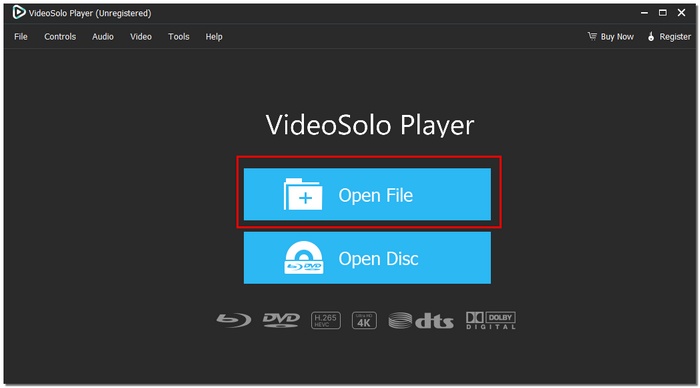
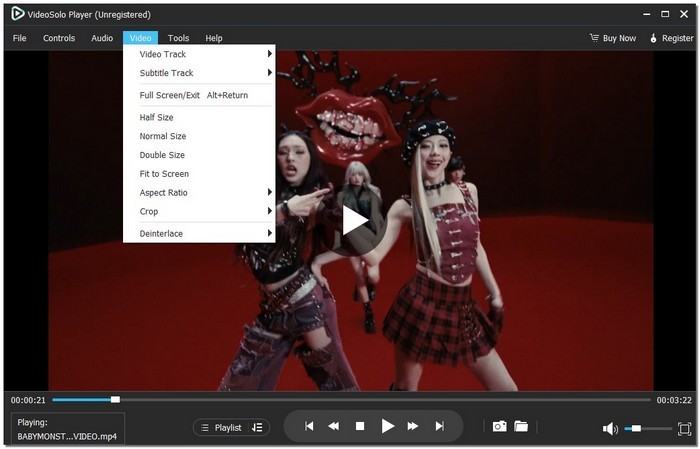
Step 2. Adjust subtitles, audio tracks, or playback settings if needed.
Step 3. Play and enjoy smooth, high-quality playback instantly.
Using Experience
VideoSolo Video Player works like a charm and can be relied on. It loads videos quickly, plays well, and the controls are easy to figure out, with no functions overcrowding them. It is the one that makes everything very easy. It is the main reason it is ranked as the best video player among the top ones. It delivers good performance, is easy to use, and is of good quality, particularly for users who want to watch videos without a bother.
Part 2. Top 5 Video Players for Windows
A wide variety of media is available to Windows users, but not all tools offer the same level of performance, compatibility, or convenience. Here, we discuss the top five video players explicitly designed for Windows users. As with all the tools featured in this lineup of video players for Windows, we analyze each one's pros and cons and usability. With this list, you’ll be able to find a Windows video player that fits your viewing preferences and daily requirements.
1. PowerDVD—The Greatest Experience with Home Theater
PowerDVD is a widely popular premium media player designed primarily for Windows users who want to watch movies in a theater and on their desktop. Since it offers very good support for Ultra HD videos and Blu-ray playback, it is frequently referred to as one of the best video players for Windows, suitable for users seeking high-quality visuals and an enveloping audio experience.

pros
- Outstanding video and audio quality
- Excellent for Blu-ray and high-definition playback
- Smooth and stable performance on Windows
Cons
- A paid subscription is needed to access all features
- Consumes more system resources than lightweight players
Using Experience
PowerDVD transforms your Windows PC into a movie and media player with crystal-clear vividness to watch on your big-screen HDTV display. It’s ideal for those who want a premium viewing experience with advanced technology.
2. KMPlayer—Best for Lightweight and Versatile Playback
KMPlayer is a versatile and lightweight video player software that supports almost any file format and is thus the most commonly used solution for Windows users who want a media player that is simple yet powerful. With its user-changeable interface and various playback options, the user can enjoy a flawless audio and video experience without spending time on a complicated setup.
pros
- The lightweight design ensures fast and hassle-free playback
- Plays almost any video or audio file from MP4 and MKV to MOV and FLAC. You’re covered
- Load, sync, and customize subtitles effortlessly
Cons
- Occasional ads in the free version
- Beginners may find certain sophisticated features bewildering
Using Experience
KMPlayer is reliable and straightforward. Videos play smoothly, and switching formats or adjusting subtitles is straightforward. Its lightweight design ensures fast performance without straining your system.
3. Zoom Player—Best for Customizable Windows Playback
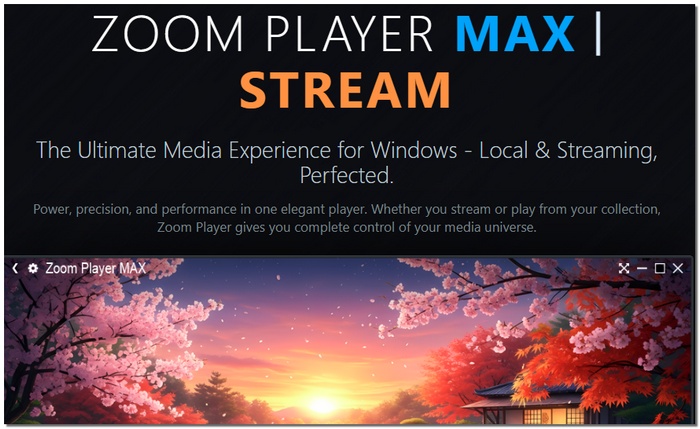
Zoom Player is a very customizable video player software for the Windows PC that gives the user full control over everything. The modular nature and advanced options are perfect for both the casual viewer at home and for those who like to tweak their viewing experience, whether on a desktop, or when watching through custom scripts.
pros
- Highly customizable to user preferences
- Lightweight yet powerful
- Great support for various formats and resolutions
Cons
- The free version has limited features
- The interface can feel complex for beginners
Using Experience
Zoom Player is a versatile and dependable option for Windows media playback since it offers fluid, high-quality playback and allows users to customize settings.
4. PotPlayer – Best for Advanced Playback Controls
PotPlayer is a powerful and feature-rich media player for Windows, renowned for its smooth performance and extensive customization options. It is a popular option for people who want greater control over how their films play because it supports a large variety of formats and codecs.

pros
- Very smooth and stable playback
- Highly customizable playback settings
- Outstanding assistance for subtitles
Cons
- Beginners may find the UI daunting
- Too many options for infrequent users
Using Experience
PotPlayer is perfect for those who like fine-tuning their playback experience because it works smoothly and can handle high-resolution videos with ease.
5. Kodi – Best for Media Center Setup
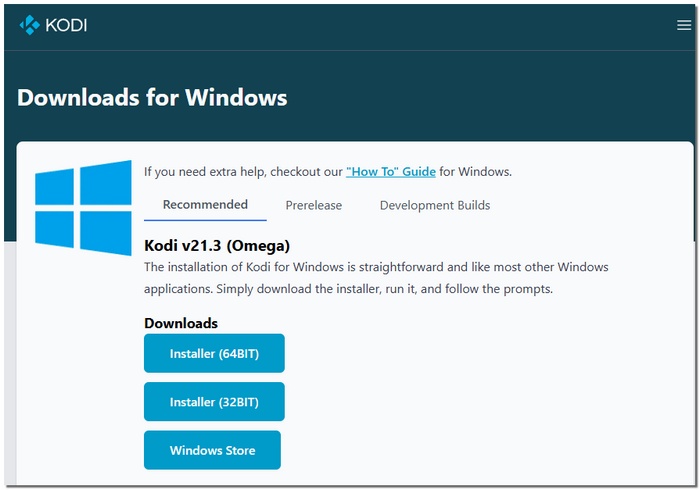
Kodi is a video player all format that goes beyond basic playback, turning your Windows PC into a full-featured media center. With support for add-ons and customization, it's perfect for customers who wish to arrange movies, TV series, music, and pictures in one location.
pros
- Completely free
- Powerful media library and organization tools
- Highly customizable with add-ons
Cons
- It can take a while to set up initially
- Not suitable for fast, straightforward playback
Using Experience
Kodi works best once fully set up, offering a smooth and organized viewing experience for users who want a complete media hub.
Part 3. Top 5 Video Players for Mac
To assist you in selecting the finest video player for Mac, this section discusses the top 5 video players for Mac with an emphasis on format support, features, usability, and practical performance.
1. IINA—Best for Modern macOS Experience
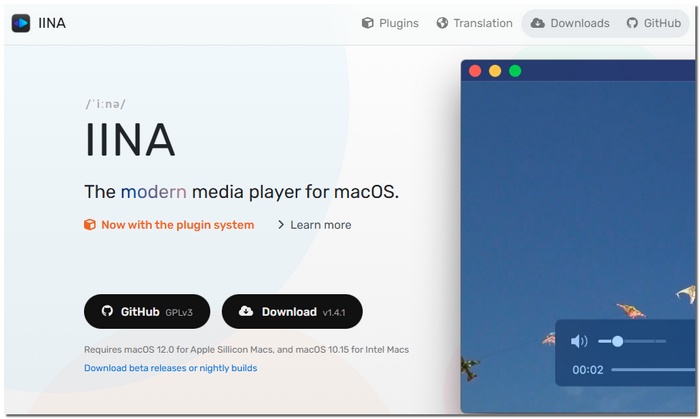
IINA is a cutting-edge media player that was created specifically for macOS and is meant to feel comfortable on Apple products. With its clean interface and smooth performance, it blends perfectly with the macOS ecosystem. Thanks to its strong format support and user-friendly design, many users consider IINA one of the best video player for Mac, especially for everyday playback.
Key Features
- Supports most popular video and audio formats
- Optimized for macOS features like Touch Bar and dark mode
- Advanced subtitle support with easy syncing
- Picture-in-Picture mode for multitasking
- Gesture and keyboard shortcut controls
pros
- A sleek, contemporary interface that complements macOS design
- Playback that is steady and fluid
- Outstanding handling of subtitles
Cons
- Lacks built-in media library management
- Not ideal for users needing advanced media center features
Using Experience
With smooth playback and simple controls, IINA is quick and simple to use, making watching movies on a Mac a delight.
2. Movist Pro – Ideal for Superior Playback Control
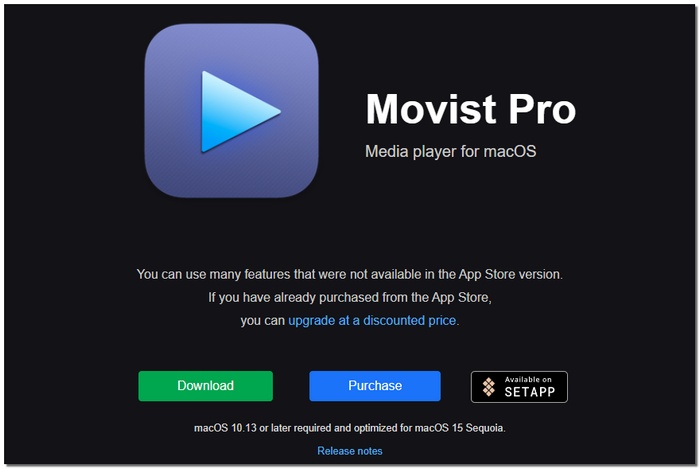
High-end macOS video player Movist Pro places a premium on smooth performance and accurate playback control. The application is designed for those users who need extended codec support and additional fine-tuning options compared to simple media players, but at the same time, want to keep the minimal interface.
Key Features
- Supports various audio and video formats.
- Hardware-accelerated playback for smoother performance
- Advanced subtitle loading and synchronization
- Clean, distraction-free interface
- High-quality playback for HD and 4K videos
pros
- Playback that is fluid and effective
- Robust support for codecs and formats
- Simple control of subtitles
Cons
- Paid app with no free full version
- Fewer customization options than some advanced players
Using Experience
Movist Pro is stable and responsive, handling high-resolution movies with ease and requiring little setup.
3. QuickTime Player—Best for Built-In and Simple Playback
QuickTime Player is the go-to free media player that Apple offers for macOS. It is basically for users who just want a simple and easy-to-use method to play videos in which there is no necessity for any extra software. The application is already there on each Mac by default. And also, it is very compatible with the Apple ecosystem thus it becomes a very handy tool not only for simple playback but also for recording the screen.
Key Features
- Native support for common formats like MP4, MOV, and M4V
- Smooth playback optimized for macOS
- Built-in screen recording and basic editing tools
- Simple, clean interface with minimal controls
- Seamless integration with other Apple apps
pros
- Completely free and preinstalled
- Lightweight and stable
- Perfect for fast recordings and playback
Cons
- Compared to third-party players, format compatibility is limited.
- Lacks features for sophisticated playback and subtitles
Using Experience
QuickTime Player is ideal for short video playback and simple recording chores on a Mac because it is simple and reliable.
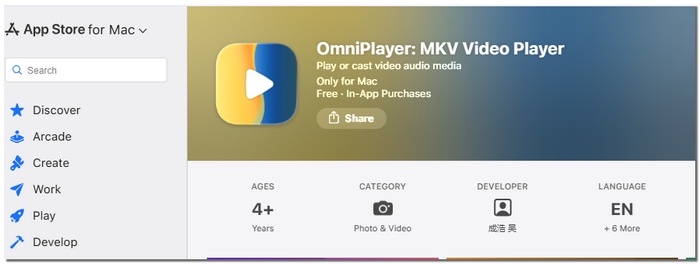
4. OmniPlayer—Best for All-in-One Playback on Mac
OmniPlayer is a versatile video player for macOS that aims to handle almost every type of media file in one place. It is a good choice for Mac users who want more freedom than the default player because it supports a large number of formats and provides practical playback options.
Key Features
- Supports most video and audio formats
- 4K and HD video playback
- Subtitle loading, syncing, and customization
- Playlist creation and media organization
- It can also works as a screen capture software and basic recording features
pros
- Broad compatibility with formats
- Playback performance that is fluid
- Practical playlist and subtitle tools
Cons
- There are restrictions with the free version
- Compared to gamers who are macOS native, the interface design seems less refined
Using Experience
OmniPlayer runs smoothly and handles various file formats well, offering a convenient all-in-one playback experience for Mac users.
5. Infuse—Best for Streaming and Network Playback on Mac
Infuse is a robust video player for Mac aimed at users desiring playback of local files alongside streaming of media from network gadgets or cloud services. By its neat interface and wide format support, Infuse turns the used of videos into a simple matter without the users having to be concerned of compatibility issues.

Key Features
- Supports almost all video and audio formats
- Streams from network drives, cloud services, and media servers
- Automatic metadata fetching and library organization
- Subtitle support with syncing and styling options
- 4K and HDR playback with smooth performance
pros
- Excellent streaming and network playback capabilities
- Strong subtitle and library management
- Supports high-resolution playback
Cons
- Requires subscription for full features
- Limited offline media management in the free version
Using Experience
Infuse makes watching local and streamed content easy, with smooth playback and a polished interface that feels natural on Mac.
Part 4. Comparison Table of the Top Video Players
This comparison table allows you to quickly see how the top 11 video players differ in terms of platform, resolution, format support, filters, and subtitle options, helping you choose the best one quickly.
| Viheo Player | Platform | Max Resolution | Format Support | Filter Options | Subtitle Import |
|---|---|---|---|---|---|
| VideoSolo | Windows, Mac | 8K | MP4, MKV, AVI, MOV, MP3, FLAC | Video & audio enhancement | Yes, adjustable sync |
| PowerDVD | Windows | 4K, HDR10, Blu-ray | MP4, MKV, AVI, MOV, Blu-ray | Color & audio enhancement | Yes, multi-language |
| KMPlayer | Windows | 4K | MP4, MKV, AVI, MOV, MP3, FLAC | Basic filters & effects | Yes, adjustable |
| Zoom Player | Windows | 4K | MP4, MKV, AVI, MOV, MP3 | Customizable filters | Yes |
| PotPlayer | Windows | 4K, UHD | MP4, MKV, AVI, MOV, FLV, MP3 | Advanced video/audio filters | Yes |
| Kodi | Windows, Mac | 4K | MP4, MKV, AVI, MOV, MP3, FLAC | Limited built-in filters | Yes |
| IINA | Mac | 4K | MP4, MKV, AVI, MOV, MP3, FLAC | Basic video filters | Yes, easy syncing |
| Movist Pro | Mac | 4K | MP4, MKV, AVI, MOV, MP3 | Color and sharpness | Yes |
| QuickTime | Mac | 1080p | MP4, MOV, M4V | Minimal filters | Limited |
| OmniPlayer | Mac | 4K | MP4, MKV, AVI, MOV, MP3 | Basic enhancement filters | Yes |
| Infuse | Mac | 4K, HDR | MP4, MKV, AVI, MOV, FLAC | Minimal filters | Yes, advanced syncing |
Conclusion
Selecting the appropriate video player app guarantees improved graphics, more fluid playback, and a more pleasurable viewing experience. You can choose a player who best suits your demands by being aware of each one's strengths.
More Reading

Play your videos/music in 100+ formats and region-free DVDs/Blu-rays with 4K and Dolby Atmos experiences.

