



 Download VideoSolo Player For FREE!
Mac doesn’t offer an easy way of playing a Blu-ray disc since a macOS is lacking the internal support for reading or decoding Blu-ray media. Hence, selecting the most appropriate Blu-ray player for Mac is necessary to ensure a high-quality viewing session. This article will help you find a curated list of the best Blu-ray player apps for 2026, along with their features, strengths, and real-world performance, that will help you decide. You’ll also get a clear comparison table to quickly spot differences in formats, resolution, ease of use, and value, making it easy to pick the perfect Blu-ray player for your needs.
- Top 1. Videosolo Player – The Best Blu-ray Playback Quality
- Top 2. Free Mac Blu-ray Player – A Simple No-Cost Blu-ray Solution
- Top 3. VLC Media Player – The Most Adaptable & Format-Rich Option
- Top 4. Aurora Blu-ray Player – Offers the Best Visual & Audio Clarity
- Top 5. MacGo Blu-ray Player – Best for 4K Ultra HD Playback
- Top 6. Leawo Blu-ray Player – Best for All-Round Playback
- A Comprehensive Comparison Table for Blu-ray Player Mac
Top 1. Videosolo Player – The Best Blu-ray Playback Quality
Supported OS: macOS & Windows
Rating: 4.9/5
VideoSolo Player is the one that comes to mind first when talking about the best Blu-ray player for Mac, which means essentially effortless, lossless playback of not only Blu-ray discs but also media files of any format. Such a product is meant for users who demand top-notch imaging quality, a trouble-free, high-performance UI, and a stylish, contemporary UI without having to go through a complex configuration.
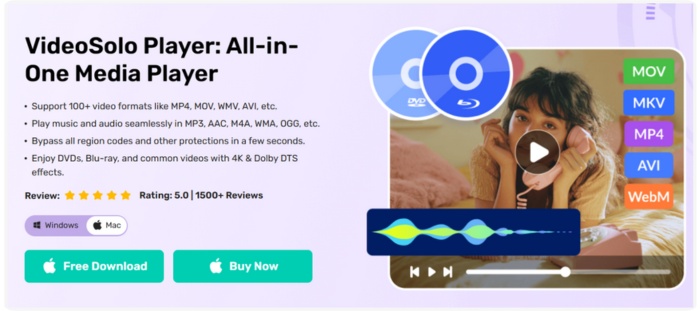
Key Features
• Plays Blu-ray discs, Blu-ray folders & ISO files
• Supports 1080p/4K high-quality playback
• DTS & Dolby audio for cinema-like sound
• Wide format compatibility (MP4, MKV, MOV, etc.)
• User-friendly controls & hardware acceleration
 pros
pros
- Excellent HD/4K video quality
- Doesn’t lag or crash
- No ads and no interruptions
 Cons
Cons
- Requires activation for full Blu-ray functionality
How to Use VideoSolo to Play Blu-ray on Mac
Step 1. Install VideoSolo Player on your Mac, launch the app, and insert your Blu-ray disc or load your ISO/folder.
Step 2. Click Open Disc, and a window will appear. You need to select your Blu-ray disc folder. To load it.
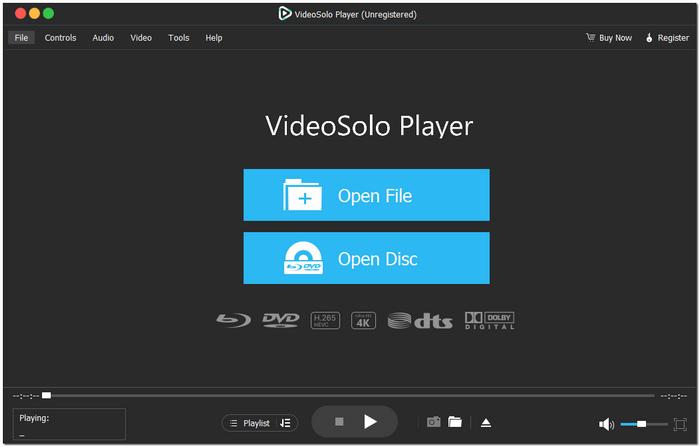
Step 3. Click OK to start playing. Enjoy smooth HD playback instantly.
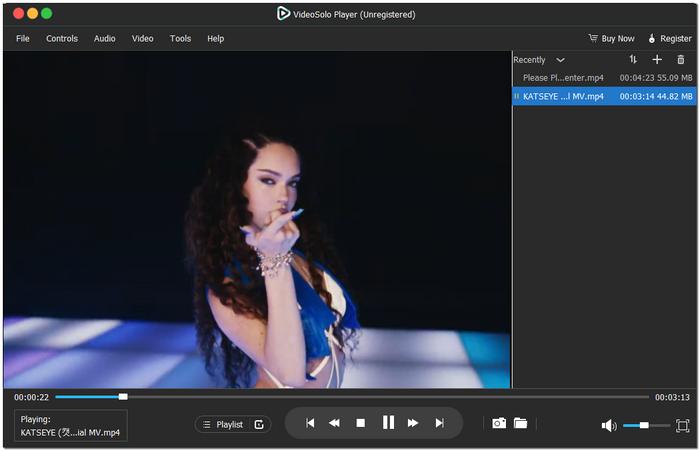
Using Experience
VideoSolo Player visually is a lot more vibrant and smoother than what you typically get with free players. Blu-ray menus are accessible in no time, the colors are true to life, and the sound is warm and enveloping. If there is anyone in search of a device that is not only efficient but also delivers top-notch performance to delight them with movies, then this equipment is the best blu-ray player that accomplishes the task with minimal difference from a professional home theater setup on a Mac.
Top 2. Free Mac Blu-ray Player – A Simple No-Cost Blu-ray Solution
Supported OS: macOS & Windows
Rating: 4.2/5
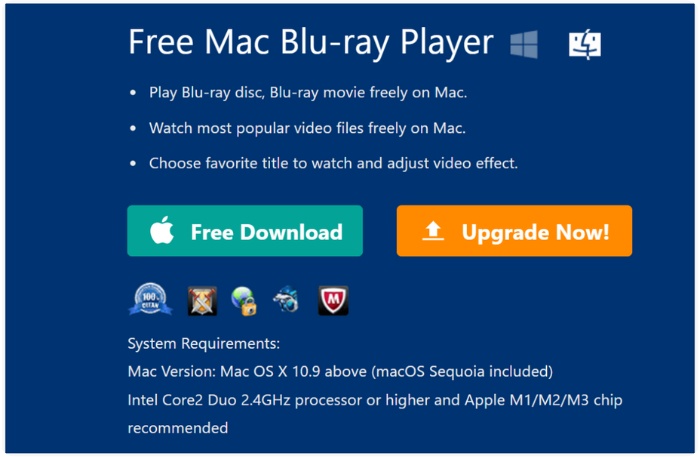
Free Mac Blu-ray Player is a straightforward Blu-ray player software for Mac that lets users enjoy basic Blu-ray playback without paying for premium features. It supports standard Blu-ray discs and common video formats, and provides a clean, easy-to-use interface suitable for casual viewing.
pros
- Completely free to use
- Supports most common Blu-ray discs
- Decent video and audio quality
Cons
- Large 4K files may cause playback to stutter.
- fewer sophisticated features than tools that are paid for
Using Experience
Using Free Mac Blu-ray Player feels practical for basic needs. The program launches quickly, loads discs without hassle, and plays HD content with acceptable quality. However, if you’re aiming for smoother playback, more stable performance, or higher-resolution support, this tool may feel a bit limiting, pushing some users to look for more advanced alternatives.
Top 3. VLC Media Player – The Most Adaptable & Format-Rich Option
Supported OS: macOS, Windows, Linux, iOS, Android
Rating: 4.6/5
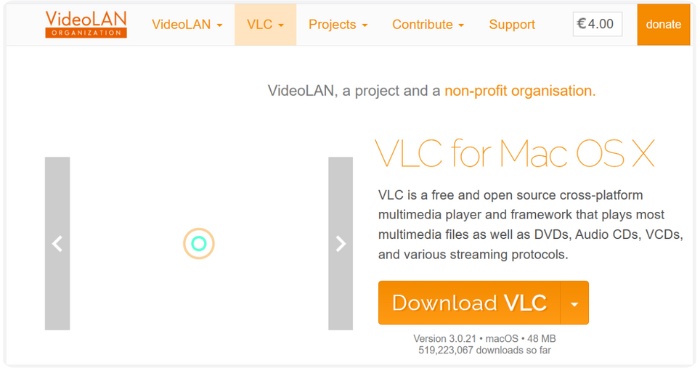
Because of its impressive format compatibility, VLC Media Player is generally regarded as the best Blu-ray player for PC, Mac, and other 3 platforms as we listed above. The software can open nearly any video file, supports partial Blu-ray playback, and is still absolutely free. Although it is not a fully authorized Blu-ray solution, it is a dependable tool for users who prioritize adaptability and personalization.
pros
- Lightweight and runs smoothly on Mac
- Customizable with plugins and settings
- Plays some Blu-ray discs (with extra configuration)
Cons
- Does not support encrypted Blu-ray discs
- Requires manual setup for Blu-ray menus
Using Experience
It is very easy to use VLC to play a Blu-ray when you have either an unencrypted disc or a digital Blu-ray folder. VLC is an HD-friendly media player that also lets users choose subtitles, audio tracks, and playback options. However, if a person is looking for a trouble-free, plug-and-play Blu-ray experience, VLC may not be the right choice, as it is inferior to a dedicated Blu-ray player.
Top 4. Aurora Blu-ray Player – Offers the Best Visual & Audio Clarity
Supported OS: macOS, Windows
Rating: 4.5/5
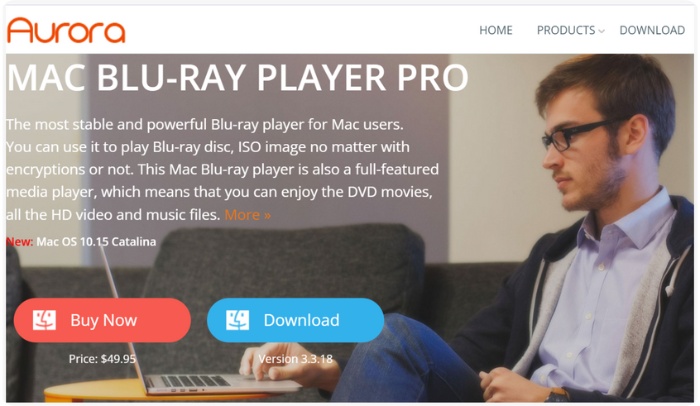
Aurora Blu-ray Player is a free Blu-ray player software for Mac that focuses on delivering high-quality visuals and clear audio. It supports both Blu-ray discs and digital Blu-ray folders, making it a solid choice for users who want an immersive movie experience on a Mac without spending on premium software.
pros
- Supports Blu-ray discs and ISO files
- High-definition video and HD audio output
- Simple and user-friendly interface
Cons
- Certain advanced features are available only in the paid version
- Occasional lag on older Macs
Using Experience
Aurora Blu-ray Player performs the Blu-ray movies playback smoothly with nice audio and clear visuals. Navigating the menus is easy, and it supports almost all HD videos without buffering. Although it is less feature-packed than some paid alternatives, it is perfect for those who just want a decent viewing experience for free.
Top 5. MacGo Blu-ray Player – Best for 4K Ultra HD Playback
Supported OS: macOS, Windows
Rating: 4.5/5
MacGo Blu-ray Player is a 4K Blu-ray player for Mac that delivers crisp 4K video and immersive audio. It supports Blu-ray discs, ISO files, and digital folders, making it a strong choice for users who want a premium cinematic experience on their Mac.

pros
- Delivers crisp 4K UHD and full HD Blu-ray playback
- Runs videos smoothly with little to no lag
- Features a simple, easy-to-navigate interface
Cons
- The free version has limited features
- Advanced settings can be overwhelming for beginners
Using Experience
MacGo Blu-ray Player delivers an excellent and smooth high-quality playback of both 4K and HD Blu-ray disks. Navigation through the menus is convenient, and the video performance remains stable even for sizable files. Basically, it’s a good choice for those who put the first visual quality to the extreme and detailed sound of the audio when they watch Blu-ray movies on a Mac.
Top 6. Leawo Blu-ray Player – Best for All-Round Playback
Supported OS: macOS, Windows
Rating: 4.4/5
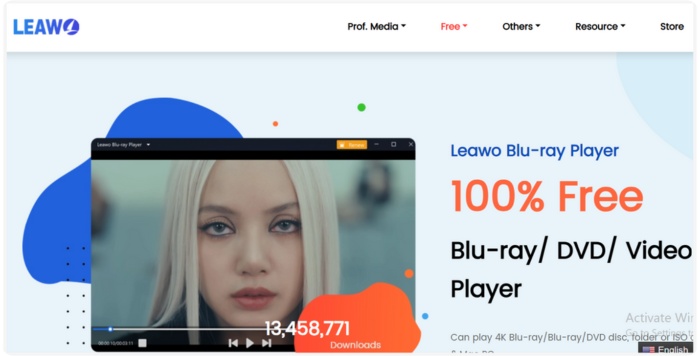
Leawo Blu-ray Player is the best Blu-ray player software for Mac that can work with Blu-ray discs, ISO files, DVDs, and many other video formats. The software offers flawless playback at any resolution and is perfect for users looking for a multifunction, trustworthy media player for Mac.
pros
- Supports Blu-ray, DVD, and common video formats
- Lossless audio playback and high-definition video
- Free to use with robust functionality
Cons
- You may encounter small interface hiccups from time to time.
- It doesn’t offer many advanced editing or customization features.
Using Experience
Leawo Blu-ray Player performs well and supports a wide range of file formats, delivering high-quality audio and video. The interface is easy to use, and fast playback is ensured. Those who want a free, all-in-one Blu-ray tool for Mac will consider it a reliable option for their regular media consumption.
A Comprehensive Comparison Table for Blu-ray Player Mac
We have created a comprehensive comparison table of the six best Blu-ray players for Mac to simplify the selection process. This summary lets you instantly identify the player who meets your requirements. It is a convenient way to make informed decisions without the effort of trying each application.
| Player | Supported Formats | OS | Rating | Max Resolution | Ease of Use | Blu‑ray Support | Price |
|---|---|---|---|---|---|---|---|
| VideoSolo Player | Blu-ray disc/folder / ISO, MKV, MP4, AVI, MOV, WMV, etc. | macOS, Windows | ⭐⭐⭐⭐⭐ (4.9/5) | 4K UHD / 1080p | Very easy | Full Blu‑ray & ISO support | Paid (full version) |
| Free Mac Blu-ray Player | Blu-ray disc/folder / standard video formats | macOS, Windows | ⭐⭐⭐⭐ (4.2/5) | 1080p | Easy | Blu‑ray support (basic) | Free |
| VLC Media Player | MP4, MKV, AVI, MOV, various video/audio formats | macOS, Windows, Linux, mobile | ⭐⭐⭐⭐ (4.6/5) | Up to 1080p (4K playback possible) | Easy to moderate | Partial (unencrypted discs/folders) | Free |
| Aurora Blu-ray Player | Blu-ray disc/folder / ISO, standard video formats | macOS, Windows | ⭐⭐⭐⭐☆ (4.5/5) | 1080p / HD | Easy | Blu‑ray & ISO support | Free version (some features paid) |
| MacGo Blu-ray Player | Blu-ray discs, folders, ISO, common formats | macOS, Windows | ⭐⭐⭐⭐ (4.5/5) | 4K UHD / HD | Moderate | Full Blu‑ray support | Paid (with free trial) |
| Leawo Blu-ray Player | Blu-ray, DVD, MKV, MP4, AVI, etc. | macOS, Windows | ⭐⭐⭐⭐ (4.4/5) | 1080p / HD | Easy | Blu‑ray, DVD, and digital formats | Free |
Conclusion
Essentially selecting the right Blu-ray player software for Mac is a matter of deciding what kind of film-watching session you want to have on your device. Since macOS no longer supports built-in Blu-ray playback, to ensure trouble-free operation, high-quality video, and the ability to use different types of discs, a reliable reliable third-party tool is a must-have.With the right software installed, your Mac instantly becomes a powerful media hub that can handle movies, home videos, and even data discs with ease.
More Reading

Play your videos/music in 100+ formats and region-free DVDs/Blu-rays with 4K and Dolby Atmos experiences.

