



 Download VideoSolo Player For FREE!
Over the years, I have tried many media players, and one of the things I came to realize is that not all players can provide a smooth VR playback experience. Although lots of video players can open video files, very few are truly optimized for 360, 3D, and high-resolution VR content. If the software is not right, it may result in lag, distorted images, limited support for headsets, or poor quality of playback, all of which break up the immersive experience. So choosing the proper VR video player is quite significant. An ideal VR player will support various video formats, effortlessly cooperate with well-known headsets, manage ultra-high-resolution content without a hitch, and provide immersive features that enhance the experience. This review highlights and contrasts the top VR video players that are on the market presently, and it will guide you to the most suitable choice considering your device, how you like to watch, and your finances.
- What Makes a Great VR Video Player for PC
- Top 1. Videosolo Player [The Best All-in-one VR & 4K Media Solution]
- Top 2. Skybox VR Video Player [Cross-Platform]
- Top 3. DeoVR [High-end Headset User]
- Top 4. VLC Media Player [Free & Basic]
- Top 5. Simple VR [Steam Users]
- Top 6. VR Player [Customizable VR Viewing]
- Top 7. Opera VR Player [Best for Web-Based VR Content]
- Top 8. LiveViewRift [Best for Oculus Rift Enthusiasts]
- Comparison: Finding Your Perfect VR Match
- Pro Tips: How to Play 360° VR Videos on PC Smoothly
- FAQs on VR Video Player
What Makes a Great VR Video Player for PC
The best VR video player really needs to be capable of doing more than simply playing VR videos. It should offer smooth and high-quality playback, handle a range of video formats, and be compatible with various VR headsets. Hardware acceleration is a big part here, as it lowers lag a lot and enhances the overall performance when playing videos of very high resolution. Besides this, aspects like spatial sound can add to immersion during viewing, whereas a simple interface keeps the software accessible to both newbies and skilled users.
Top 1. Videosolo Player [The Best All-in-one VR & 4K Media Solution]
Rating: ⭐ 5.0/5
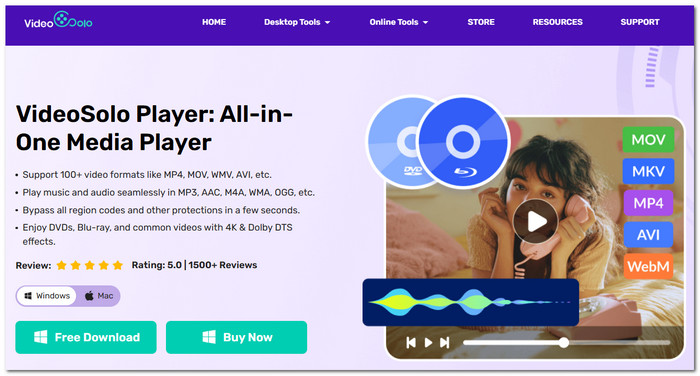
VideoSolo Player is a high-end media player capable of handling most video formats, like 4K, Blu-ray, DVD, and high-res files with great smoothness. Its main feature is the ability to produce very good visuals while running video smoothly, so it is quite a suitable pick for those wanting to have the best VR video player experience on a computer but refuse to use a VR video converter.
Why VideoSolo Player Is the First Choice
VideoSolo Player is remarkable in that it brings together robust playback technology and a user-friendly interface. While most players tend to concentrate on one class of media only, it is capable of handling anything from typical videos to high-bitrate 4K ones, which enables users to have an extraordinary experience of VR videos with minimal trouble.
 Features
- Smooth video playback, even for high-res and large video files
- Hardware acceleration to cut down lag and deliver better performance
- Support for 4K UHD, Blu-ray discs, DVDs, ISO files, and standard video formats
- Enhanced audio decoding to surround you with a rich sound experience
- A wide range of format support without the need for extra codecs
 pros
pros
- Great 4K and VR-ready content playback quality
- Blu-ray and DVD playback are among the many formats that are supported
- Hardware acceleration will reduce stuttering and lag efficiently
 Cons
Cons
- Not all features are free, and some require a paid license
User Review
VideoSolo Player is often commended by users for its smooth playback, the interface, and great compatibility with different formats. Many find it impressive that the player can manage high-resolution videos without the need for extra codecs or a complex setup.
Top 2. Skybox VR Video Player [Cross-Platform]
Rating: ⭐ 4.5/5
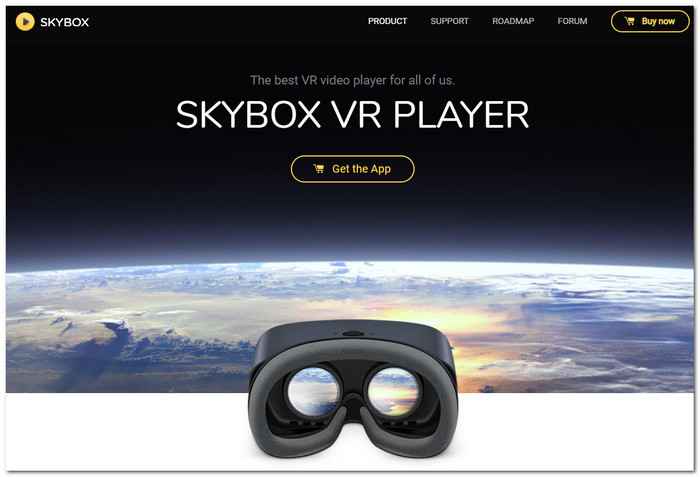
Skybox VR Video Player is a media player that is made for VR, and it lets people watch and stream VR videos from different devices and headsets. It is mainly known for its wireless streaming feature and easy VR viewing experience.
pros
- Allows wireless streaming from PC to VR headsets that are compatible
- Able to identify various VR video formats and projection modes without manual input
- The interface is straightforward and user-friendly for VR use
Cons
- You will have to pay to get most of the advanced features
- It is mainly designed for VR playback and does not have other general media features like Blu-ray support
User Review
Most of the users really like Skybox for how smoothly it streams wirelessly. They also find its VR interface pretty much geared towards beginners because it's so easy to use. Actually, many people agree that if you're looking for an easy way to play VR videos on various devices and headsets, Skybox is Sure one of the top choices.
Top 3. DeoVR [High-end Headset User]
Rating: ⭐ 4.0/5
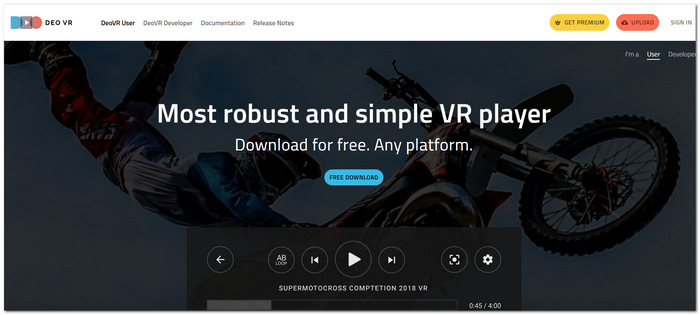
Using DeoVR is like sitting in the middle of your favourite movie scene. DeoVR is a VR media player built for individual users who desire a more immersive viewing experience through their advanced VR headsets. It is capable of playing high-resolution VR content, 180 and 360 videos. The application is widely used by users who are searching for a free VR video player with many features.
pros
- Refined with the latest resolution standards for VR content, including extremely high-quality 180 and 360 videos
- Advanced playback operations and personalizing how you watch are given priority
- A lot of up-to-date VR headsets can be connected with this program for a deeper immersion
Cons
- New VR users might find the interface too packed
- Extra membership is needed for some of the online and premium content
User Review
DeoVR's rich VR-focused features and immersive playback quality are frequently praised by users. Although there may be a learning curve for novices, seasoned VR users particularly like its customization choices.
Top 4. VLC Media Player [Free & Basic]
Rating: ⭐ 3.5/5
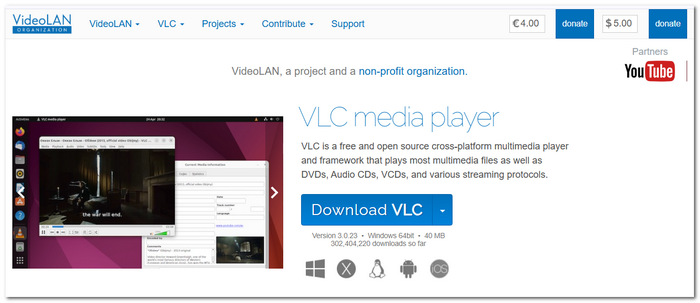
VLC Media Player is a free open-source media player famous for supporting many file formats. Although it is not a specialized VR video player for PC tool, it is capable of running some 360 and VR video formats without the need for extra software.
pros
- Absolutely free with no subscriptions or hidden costs
- Works with a vast number of video and audio formats by default
- The software doesn't consume a lot of resources and performs efficiently on most PCs
- You can also use it to convert movies to VR mode.
Cons
- Very few VR-related features compared to exclusive VR players
- No sophisticated headset integration or immersive viewing control options
User Review
Customers like VLC's dependability, ease of use, and wide range of format compatibility. Nonetheless, a lot of VR aficionados think it's better for sporadic VR playing than for a full VR watching experience.
Top 5. Simple VR [Steam Users]
Rating: ⭐ 3.0/5
Simple VR is a minimalist VR media player that can be found on Steam. It mainly aims at offering a simple means of enjoying VR and 360 video player content without having to deal with the intricacies of the more feature-rich VR programs.
pros
- It's simple to install and operate via the Steam platform
- Compatible with popular VR video formats, including 180 and 360 videos
- Compact and light, not demanding much from your computer
Cons
- This app offers quite basic features when compared to high-end VR players
- There is a scarcity of features allowing advanced playback modification and media organization
User Review
Users, in general, appreciate Simple VR because of its simplicity and fast installation process. It is, in fact, frequently suggested to Steam users who are looking for an easy VR video player without a complicated learning curve.
Top 6. VR Player [Customizable VR Viewing]
Rating: ⭐ 3.5/5
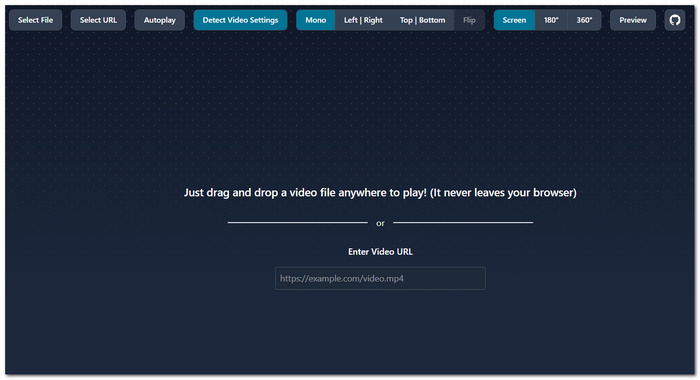
VR Player offers a wide variety of video formats to its users for an immersive movie experience. This media player is extremely powerful and has been designed for VR only. Those who love enhancements to video play in VR moments will find a number of functions to control, e.g., different projection modes and different viewing configurations.
pros
- Hands down, the best customizability when it comes to VR video experience
- Allowing you to enjoy your VR content in different projection formats, whether it be 180, 360, or even 3D
- Works well with different VR headsets and also different kinds of display setups
Cons
- The interface might appear a bit dated
- Mainly when compared to the latest VR players on the market
User Review
Customers value VR Player's adaptability and personalization features. Some, however, believe that compared to contemporary VR media players, the program requires more manual setup.
Top 7. Opera VR Player [Best for Web-Based VR Content]
Rating: ⭐ 3.0/5
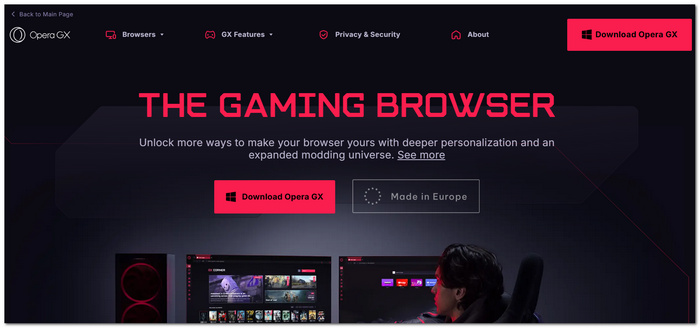
Opera VR Player is a VR media solution integrated with the browser that caters to the needs of users who regularly enjoy VR content online. VR player on Windows is available to users via the Opera ecosystem. It is a handy way to discover web-based VR videos and 360 experiences.
pros
- It fits perfectly in with web-based VR and 360 environments
- It ensures easy access to the viewing experience without the need to install separate VR software
- It's good at streaming VR videos directly from the link to the VR website
Cons
- This player is intended mainly for online content rather than for playing local files
- It does not contain a lot of advanced features that are common in dedicated VR video players
User Review
Opera VR Player is typically preferred by users due to its accessibility and ease of use when viewing VR material online. For organizing and viewing local video collections, however, many people favor specialized VR players.
Top 8. LiveViewRift [Best for Oculus Rift Enthusiasts]
Rating: ⭐ 2.5/5
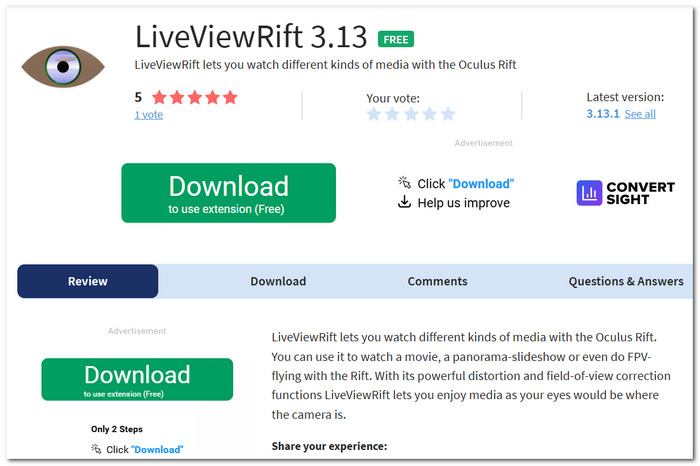
LiveViewRift, a VR video player, is a custom-designed tool initially intended for Oculus Rift gamers who are interested in experiencing panoramic videos and virtual surroundings. It offers a basic VR visualization for a compatible headset.
pros
- The only software that has been specially designed for Oculus Rift-based VR viewing
- Compatible with 180-degree and 360-degree video immersive experiences
- Simple and easy to use with playback controls; works well with light software
Cons
- Not very friendly to new VR platforms and headsets
- There are fewer development feature updates compared to other modern VR players
User Review
Customers value LiveViewRift's Oculus-focused design and ease of use. However, point out that more recent VR players provide more sophisticated capabilities and wider compatibility for contemporary VR installations.
Comparison: Finding Your Perfect VR Match
| VR Player | Max Resolution | 3D / 360° Support | Blu-ray Support | OS | Price |
|---|---|---|---|---|---|
| VideoSolo Player | 8K | Yes | Yes | Windows, Mac | Free Trial / Paid |
| Skybox VR Video Player | 8K | Yes | No | Windows, Mac, Quest, Pico | Paid |
| DeoVR | 8K | Yes | No | Windows, Quest, Pico | Free / Premium |
| VLC Media Player | 4K | Limited | No | Windows, Mac, Linux | Free |
| Simple VR | 4K | Yes | No | Windows (Steam) | Paid |
| VR Player | 4K | Yes | No | Windows | Free / Paid |
| Opera VR Player | 4K | Yes | No | Windows | Free |
| LiveViewRift | 4K | Yes | No | Windows | Free |
Pro Tips: How to Play 360° VR Videos on PC Smoothly
Even top-notch VR players may have a tough time if your computer setup isn't really right. Here is a handful of really simple tips to help enhance performance during playback and reduce lag issues, mostly when you are viewing 360 VR videos on PC:
1. Keep Your GPU Drivers Updated
If your graphics drivers are too old, this often means problems like stuttering, screen tearing, or incompatibility with VR content. Keeping your NVIDIA, AMD, or Intel graphics card drivers up to date is one of the ways to make sure you get the best performance and that your system is compatible with the new VR technologies coming out.
2. Choose the Correct Projection Mode
VR videos are produced by different projection formats. If you choose the wrong one, it can distort the image or make the viewing experience unpleasant.
- • Equirectangular - This is the format that is most widely used for 360 videos, and almost all VR players support it.
- • Cubemap - Represents the VR scene with six different square faces and also gives the possibility of better visual efficiency in some cases.
If the video image is elongated or twisted, then you should alter your player's projection settings and change to the appropriate mode.
3. Enable Hardware Decoding
Playing high-resolution 4K and 8K VR videos demands a lot of processing power. With hardware decoding, your GPU is utilized for the video playback instead of the CPU, which leads to a more fluid playback experience and reduced system load.
4. Use VideoSolo Player for Large VR Files
A typical cause for interrupted VR playback is that the device's video decoding power is not enough. VideoSolo Player is compatible with hardware acceleration and high-end decoding technologies. So, it will not only be able to solve the problem of dropped frames but also the issue of playback lag while watching high-bitrate 360 and 4K VR videos. This means a smoother and more immersive VR viewing experience. Most of all, with bigger files, it will be allowed.
FAQs on VR Video Player
Q: Can two VR players display the same 360 video differently?
A: Definitely. VR players can be built completely differently from one another in terms of rendering engines, ways of image processing, and how they manage projections, which in turn can bring changes in details, color rendering, and the overall sense of presence.
Q: Why does a VR video sometimes feel smaller than expected inside a headset?
A: Your virtual world's perceived size depends on a number of things, such as the user's field-of-view setting, their zoom level, or how exactly they interpret the 3D space.
Q: Why do certain VR videos look clearer when I turn my head slowly?
A: When you move your head quickly, your eyes are less able to focus, and, in a sense, you "see" more of the compression artifacts, mostly with the videos that are really highly compressed.
Conclusion
By assessing these options, I found out that the best VR video player really varies with your headset, type of content, and how you like to watch. Yet, in case you desire a harmonious combination of fluid playback, wide format compatibility, and top-notch performance, it is beneficial to select a trustworthy player, as it can enhance your VR experience and give you the opportunity to enjoy immersive content free from technical glitches.
More Readings

Play your videos/music in 100+ formats and region-free DVDs/Blu-rays with 4K and Dolby Atmos experiences.

