



 Download Screen Recorder For FREE!
I've tried many recording programs over the years, and one thing that I've learned is that the number of features doesn't determine the quality of the experience, and more doesn't necessarily mean better. Some apps made the recording quite a pleasure to use, while others would demand a good share of your time just before getting started. Because of this, I did some testing myself and then compiled this list of audio recording software for Windows. I'll explain what was good about each, what was not, and the ones worthy of investing your time with are clearly marked.
How We Tested
I tried each and every Windows audio recorder with either a USB microphone or the built-in one on a Windows 11 PC. I judged how good a job they could do at recording, how easy and user-friendly they were, how much and what kind of editing you can do, whether they can handle multiple tracks, and the various file types you can save them in. I also watched while I was recording so I could report on system performance. Finally, I took into account how happy previous users and experts were about the software as a way to balance the recommendation.
Part 1. Top Audio Recording Software for Windows
VideoSolo Screen Recorder – Best Recording Software for PC
Score: ⭐⭐⭐⭐⭐ 5/5
Best For: Those who want to find the best recording software for PC and who would like to be able to record audio of very good quality, screen content, or webcam footage can do it all in one.
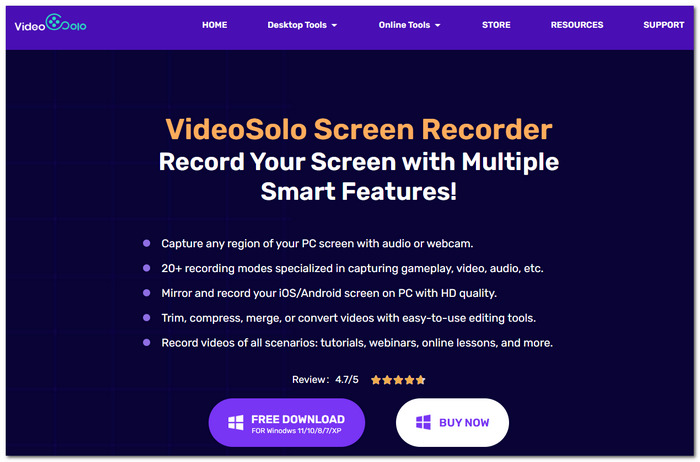
VideoSolo Screen Recorder is an all-in-one screen recorder for Windows that enables you to capture system audio, microphone input, your screen, or all three at once. While I discovered it is an easy-to-use application, it still offers enough features to suit both beginners and advanced users.
 Features
- Record a video while you screen, use the webcam, and have audio.
- You can schedule your software to start and end a recording automatically.
- Edit a recording you made, trim the unwanted parts before saving your work.
- Convert your recordings to a lot of formats you can choose from.
User Review
VideoSolo Screen Recorder currently isn't showing enough verified user reviews on G2 to compute the overall score of a product at the moment. Still, people who have taken the time to review VideoSolo's software keep complimenting it for having an easy-to-navigate layout, uncomplicated steps for recording the screen, and helpful built-in features. In my hands-on tests, I found the recorder to be quite user-friendly in the setup, steady when recording lengthy videos, and audio was clearly captured with minimal, if any, noise.
Part 2. Other 6 Windows Sound Recorder Programs
1. Audacity – Best Free Open-Source Wave Editor
Score: ⭐⭐⭐⭐☆ 4.5/5
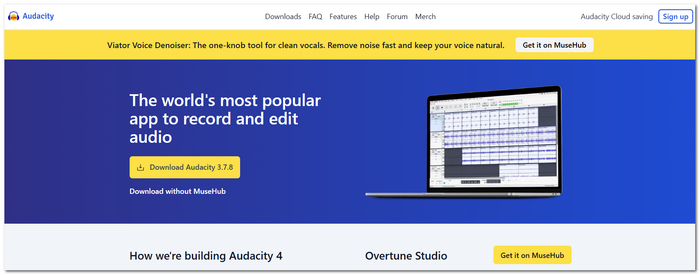
If you are looking for a top Windows sound recorder software free of charge, then my top open-source recommendation is Audacity. It supports both audio capture and editing, including some of the advanced features you would usually find in commercial software.
 pros
pros
- Complete freedom without requiring any subscription or additional cost.
- It enables non-destructive audio editing and the simultaneous recording of multiple tracks.
- It has excellent tools like noise removal, equalization, and other audio effects.
 Cons
Cons
- The design looks a bit old when compared to more modern software for music production.
- Due to its complex editing features, first-time users might take some time getting familiar with it.
My Testing Feedback
Audacity surprised me with good recording results, and it also enabled me to do very detailed audio editing. Although the interface is initially a little confusing, the program's functionalities justify it as one of the top-rated free recording software programs I've reviewed.
2. Reaper – Best High-Efficiency Budget Audio Recorder
Score: ⭐⭐⭐⭐☆ 4.5/5
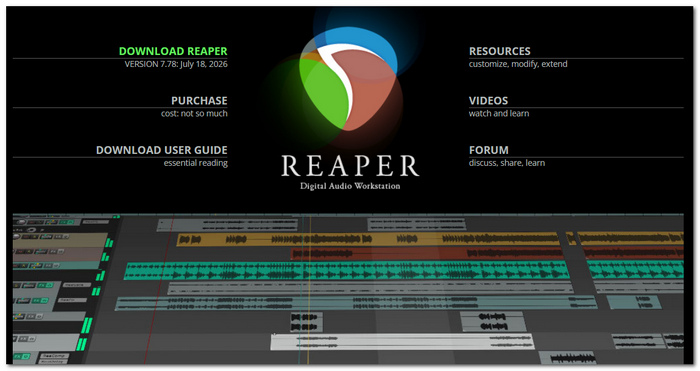
Besides its amazing feature list, Reaper is an affordable audio recording program on Windows for professional-grade recording and editing.
pros
- Very low license price that you buy once for the life of the program, together with a generous free trial period.
- Lightscreen software which will easily operate a large number of PCs.
- Extremely flexible offering with comprehensive multitrack editing and recording tools
Cons
- For complete beginners, the program might look confusing at first.
- Manual configuration is needed for some of the advanced options.
My Testing Feedback
During my time recording, the Reaper DAW was always quick to respond, very fast, and very stable. Sessions that involved multitrack recording worked well with Reaper, and the system resource consumption was not high. So, this is a really great option with the best value for users who look for professional features but not at a high price.
3. Adobe Audition – Best Industry-Standard Audio Editor
Score: ⭐⭐⭐⭐☆ 4.5/5
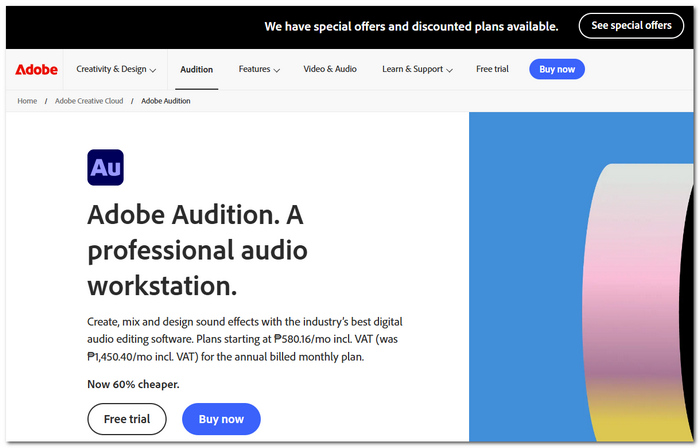
Adobe Audition, regarded as the top audio editing and recording software in the industry, is relied upon by many professionals mainly for podcasts, music production, and post-production. If you want advanced editing features, Adobe Audition can be the best audio recording software for Windows, which is one of the top-paying options.
pros
- Excellent tools for recording, editing, and restoring professional-quality audio.
- Adobe Creative Cloud applications can be seamlessly integrated with this one.
- You can carry out multitrack recording as well as non-destructive editing.
Cons
- You have to be on a monthly subscription for the Creative Cloud.
- Novices may be intimidated by the wealth of features it offers.
My Testing Feedback
During the test, Adobe Audition offered me great recording performance and advanced editing functions. Although there are many professional features packed into it, I believe that it targets advanced users, while casual users who just need a plain audio recorder may find it a bit complex.
4. Avid Pro Tools – Best Studio Workstation
Score: ⭐⭐⭐⭐☆ 4/5
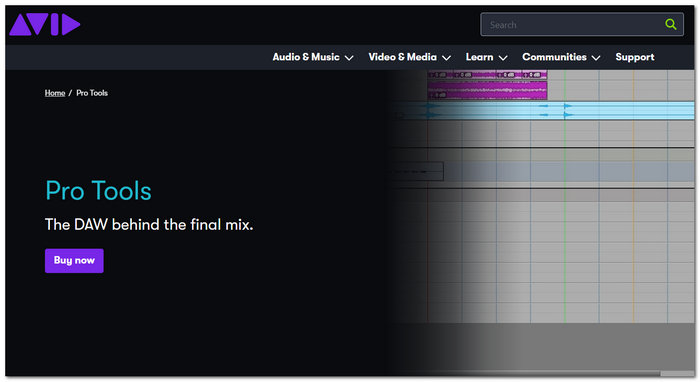
Avid Pro Tools is professional audio recording software for PCs. The PC-based software is designed for use in studio recording, music production, and post-production. Its powerful features make it very popular in recording studios where professional mixdowns and editing with a minimum of technical know-how are paramount.
pros
- The best multitrack recording and mixing tools in the industry.
- It handles big, complicated audio production projects very well.
- Greatly interoperable with different audio equipment and plugins.
Cons
- Quite expensive when compared to similar recording programs.
- Very challenging to learn for newcomers and regular users.
My Testing Feedback
Pro Tools provided stable recording and was able to smoothly handle multitrack sessions in my tests. Though it is great software for top-grade studio projects, I think it is a bit complicated for the average user needing to record audio files only seldom.
5. Cakewalk by BandLab – Best Full-Featured Free DAW
Score: ⭐⭐⭐⭐☆ 4.5/5
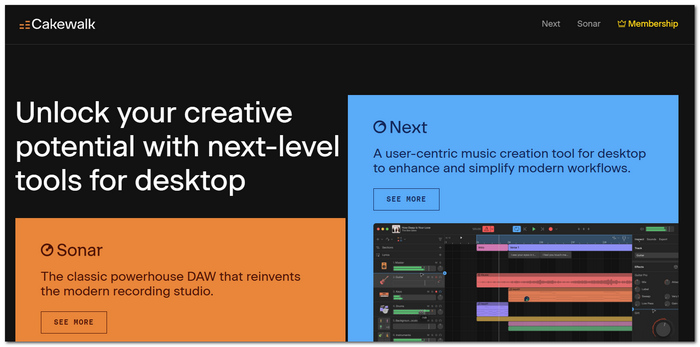
Cakewalk by BandLab is a professional-grade free audio recording software for Windows that offers advanced recording, editing, mixing, and mastering tools without requiring a paid license.
pros
- Completely free of charge and has a very large number of tools and options for recording and editing.
- Unlimited audio and MIDI tracks so that all tracks (music/voice) can be recorded/mixed independently. Great for intricate productions.
- Hassle-free mixing, mastering, and plugin compatibility at a professional level.
Cons
- Only available on Windows.
- A very rich feature set can confuse the uninitiated user.
My Testing Feedback
Cakewalk worked great for me during my computer audio recording, and it also allowed multitrack recording without any perceptible delay. What really struck me was the range of professional features that come free of charge, though it might take some time for a beginning user to get familiar with the program's working method.
6. Icecream Audio Recorder – Best Minimalist Utility
Score: ⭐⭐⭐⭐☆ 4/5
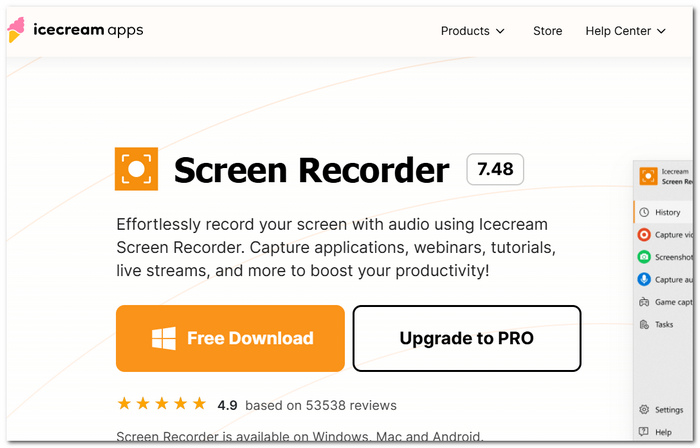
Icecream Audio Recorder is a lightweight audio recording software for Windows that aims to provide its users with the means they need to get microphone, system, or a combination of these two types of recordings easily without being disturbed by the presence of complicated settings.
pros
- Clean and easy-to-use interface for beginners. One can move around it easily.
- It has the ability to run either the mic, system speakers, or both at the same time.
- It is very lightweight, and most Windows computers run it without a problem.
Cons
- Recordings on the free version are limited.
- No possibility to edit the recording or use multiple tracks in the first place.
My Testing Feedback
Icecream Audio Recorder was very easy to install, and it worked well for recording voice and system audio of a basic type. Besides, it's not intended as editing software for pros. If simplicity and an easy-to-use interface are your top priorities, I believe it's still a fantastic solution.
Part 3. Comparison of 7 Best Recording Software for PC
| Software | Audio Effects | Automation | Multi-Track Recording | Compatibility | Usability | Tech Support | Price |
|---|---|---|---|---|---|---|---|
| VideoSolo Screen Recorder | Basic | ✅ Scheduled recording | Limited | Windows, Mac | ⭐⭐⭐⭐⭐ | Email Support | Paid (Free Trial) |
| Audacity | Advanced | ❌ | ✅ | Windows, Mac, Linux | ⭐⭐⭐⭐☆ | Community Support | Free |
| Reaper | Professional | Limited | ✅ | Windows, Mac | ⭐⭐⭐⭐☆ | Official Support | Paid (Affordable License) |
| Adobe Audition | Professional | ✅ | ✅ | Windows, Mac | ⭐⭐⭐⭐☆ | Adobe Support | Subscription |
| Avid Pro Tools | Studio-Grade | ✅ | ✅ | Windows, Mac | ⭐⭐⭐☆☆ | Professional Support | Subscription / Paid |
| Cakewalk by BandLab | Professional | Limited | ✅ | Windows | ⭐⭐⭐⭐☆ | Community Support | Free |
| Icecream Audio Recorder | Basic | Limited | ❌ | Windows | ⭐⭐⭐⭐⭐ | Email Support | Free & Paid |
Verdict
- • Overall Best: VideoSolo Screen Recorder. With its user-friendly design, steady recording results, the possibility to set timers for recording, all-in-one recorder features, and so on, it remains an unbeatable option for most user groups.
- • Free Alternative: Audacity, a highly recommended software tool in situations where you are able to get full control over your recording and editing process without financial costs.
- • Professional Price Value: Reaper, A professional studio software bundle with a lower entry price compared to other high-end DAWs.
- • Creative Professionals Recommendation: Adobe Audition, the tool of choice for content creators, podcasters, and film editors who have already integrated Adobe Creative Cloud in their workflows.
- • For Studios: Avid Pro Tools, A studio-oriented, powerful solution made for highly detailed and difficult audio productions.
- • Free Full DAW at Its Best: Cakewalk by BandLab. It is a great Windows-only software that has all the features a serious musician/producer could ever need.
- • Most Suitable For Beginners: Icecream Audio Recorder. An ideal solution for those who do not require elaborate recording features to attend meetings, make voice messages, or capture simple audio files.
Part 4. FAQs on Audio Recording Software for Windows
Q: Does Windows have any built-in recording tools for audio?
A: Yes. Windows offers the Voice Recorder application, through which you may capture audio from your computer's microphone.
Q: My recorded audio sounds laggy or not in sync. What is the probable reason?
A: One of the possible causes for this audio mismatch is wrong settings for the input device, audio drivers in bad shape, and very long system response time or latency.
Q: Some recorders capture humming/breaking or other background noises. Can someone explain why?
A: It is quite a common problem that background noises are present in the recordings, which are mainly due to bad microphones, the presence of electrical interference, or the surroundings of the recordings being noisy. A change to a more powerful microphone, together with the noise reduction feature being turned on, should greatly enhance the audio quality.
Conclusion
There are many Windows sound recorder programs to choose from. So, picking a suitable one depends on your recording purpose and skill. For example, if you have only minimal knowledge and want a simple tool that's good enough for everyday recording, you can go for a basic recording app. Or, if you're doing a serious job, professional audio software will do. Anyway, all the programs listed below are dependable and will assist you well in getting good-quality recordings of sound.
More Readings
Capture screen activities, audio, webcam, gameplay, and mobile screens on Windows and Mac with high quality.

