



 Download VideoSolo Player For FREE!
I can relate to this experience of being so confused that the file can't be played by the computer. You just tried to open a DAT file. First thing I thought is the file got corrupted, and I realized that what it was, the real problem was the player I used. As DAT is an old format, nowadays the built-in players and most modern operating systems just do not recognize it as a valid format. However, you don't even have to convert the files or give them up. The quickest way is to download a proper DAT audio player, one that can read this format. Throughout the article, I am going to talk about what makes DAT files hard to open, compare the best DAT audio players on Windows and Mac, and also provide helpful tips to make your media playing as smooth and frustration-free as can be.
Part 1. You Should Know about the DAT Player
What is a .DAT File?
Initially, when I came across a DAT file, I reckoned it was probably an ordinary audio format. But after doing a bit of research, I found out that a.dat file is actually just a file wrapper or container that can contain many different types of data, like audio or video data, besides text or other information. It can even get quite tricky because some DAT files are video CDs or CDs of any sort of material, while other files just represent old systems that we are not using anymore. One of the main problems that users face is that many digital media players nowadays are not able to detect the type of data or content inside the.dat file.
Why Won't Your Standard Player Open It?
The biggest problem is that many media players like Windows Media Player or QuickTime aren't equipped with the decoders needed to play DAT files. On one hand, a DAT Digital Audio Tape player, being a specialist, will be fully able to handle recordings from a Digital Audio Tape (DAT) system, while normal computers and phones (media players) will play only widely spread modern formats such as MP3, AAC, or WAV. So, if a DAT file is compressed using an older codec or if its recording structure is not typical, the player may fail or may not even know the existence of the codec.
It is for this very reason that I advise you to resort to media players that have decoder plugins, which give them universality in handling almost any video/audio codecs and legacy media formats. They'll recognize and reproduce DAT files without the need for complicated transformations or codec installations.
Part 2. Top DAT Audio Players for Windows/Mac
It is not always clear if all DAT audio players are similar, mainly for file format compatibility. Certain players may be restricted to common file types, while others may have added functions for reading older file types such as DAT. To save you from reading every recommendation carefully, there is a small chart of these players below that will probably assist you in choosing the one with the features that suit your needs for playing back sound files.
| Audio Player | OS | DAT File Compatibility | Audio Decoding | Audio Effects | Hardware Acceleration | Best For |
|---|---|---|---|---|---|---|
| VideoSolo Player | Windows, macOS | Excellent | Universal decoding engine | Advanced | ✅ Yes | Legacy discs and all-format playback |
| VLC Media Player | Windows, macOS, Linux | Good | Built-in codec library | Basic | ✅ Yes | Free everyday playback |
| 5KPlayer | Windows, macOS | Good | Wide codec support | Basic | ✅ Yes | Simple local media playback |
| PotPlayer | Windows | Excellent | Advanced codec engine | Advanced | ✅ Yes | Power users and playback customization |
| MPC-HC (Media Player Classic - Home Cinema) | Windows | Good | Built-in codec support | Basic | ✅ Yes | Lightweight playback on older PCs |
1. VideoSolo Player – Universal Disc & Legacy Media Playback
Rating: ⭐⭐⭐⭐⭐ 5/5
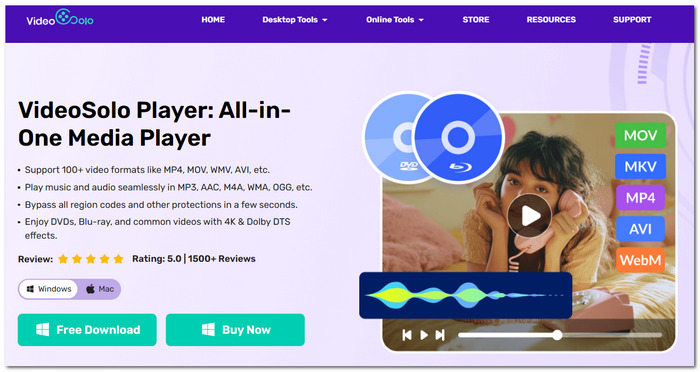
VideoSolo Player is a multimedia playback solution that allows one-stop playback of all media files. Dedicated to playback of legacy media like DAT files and DVDs, this media player also plays Blu-rays and almost any modern audio and video format without issues.
 Features
- Plays DVDs, Blu-rays, ISO media, and old file formats without problem.
- Universal decoding engine for compatible playback of almost any audio and video format.
- Hardware acceleration for a smoother and higher-quality playback experience.
- Lossless audio codec support: FLAC, ALAC, WAV, and DSD.
- Very intuitive interface equipped with advanced functions.
 pros
pros
- Older media formats and discs work well.
- Hardware acceleration helps seamless playback.
- Very good audio output and an attractive interface that is easy to use.
 Cons
Cons
- Only compatible with Windows and macOS.
User Review
Multiple reviews from technology sites and users are unanimous in recommending VideoSolo Player mainly for its excellent format compatibility and the quality of the playback. Also, VideoSolo Player is one of the most reliable tools if you need to preserve and playback older audio content, as it is capable of smoothly playing DVDs, DAT files, and other old media without needing extra codecs.
2. VLC Media Player – Built-in Codec Library
Rating: ⭐⭐⭐⭐☆ 4.5/5
Best For: Open-source, freeware that can play back all your favorite media formats from one player while not needing you to install additional codec packs.
What Can It Provide for Users?
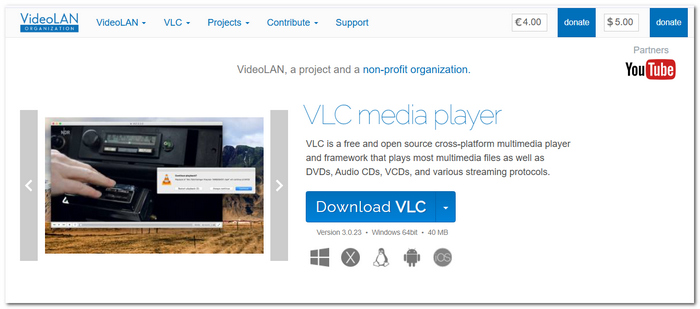
VLC Media Player has various codecs built into it. So, it is a player that not only works for all common file types but also works with some of the most obscure formats available today. That's probably why people still use it every day. VLC Media Player is not restricted to a single operating system. It is a tool that has been developed for multiple platforms, so it's very portable for someone who tends to switch gadgets quite often. You can also use it to convert DAT files to MP4 or other formats.
Verdict
From what I have learned, VLC supports a wide variety of DAT files, yet whether it will work or not is determined by the creation process of the DAT file. Some old or disc-based DAT files could be unrecognizable by VLC, as it is not the best program for handling the media structure of older files. In case you are dealing with DAT files, DVDs, Blu-rays, and different types of legacy formats on a regular basis, consider VideoSolo Player if you are looking for extended decoding capabilities and a playback experience that stays reliable.
3. 5KPlayer – Wireless Media Streaming
Rating: ⭐⭐⭐⭐☆ 4/5
Best For: Users who wish to stream content wirelessly between their computer and compatible devices and play local media files.
What Can It Provide for Users?
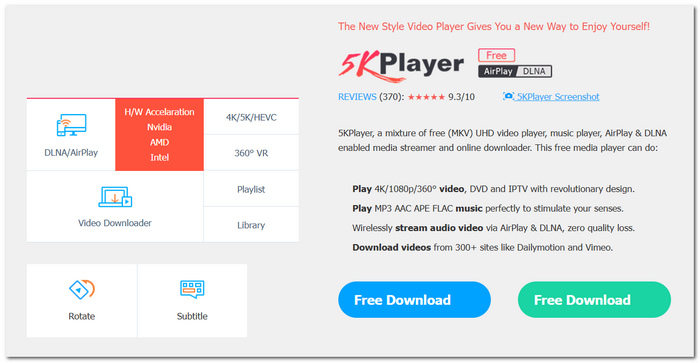
5KPlayer plays videos and other media on AirPlay, DLNA devices, and computers. You can stream music and videos between different devices with ease using 5KPlayer. It is also a versatile player that can read many major media file types without needing you to install codecs externally. Because of this, it is a great match for home entertainment.
Verdict
In my tests, 5KPlayer performed well on regular media files, while DAT file playback was not always reliable, especially for those with older and not-so-common formats. The biggest advantage of the player is its wireless streaming capabilities, not format compatibility. If your main reason is to open DAT files or watch old disc-based media without errors, then VideoSolo Player brings a better decoding engine, and format support is much wider.
4. PotPlayer – Advanced Playback Customization
Rating: ⭐⭐⭐⭐☆ 4.5/5
Best For: Enthusiast users who are in need of a DAT audio player that has playback controls, codec settings, and customization options beyond standard features.
What Can It Provide for Users?
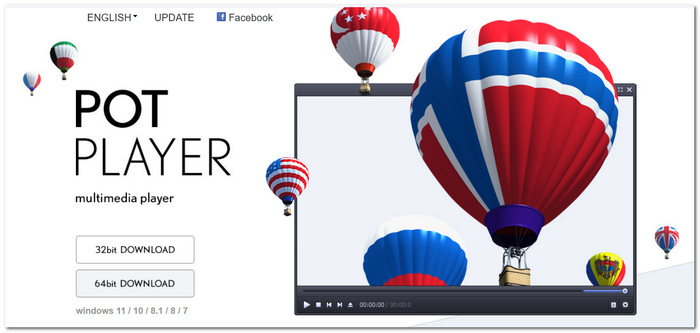
PotPlayer brings an extensive range of playback customization features, from choosing various internal codecs to adjusting video and audio parameters and customizing the look and feel of almost every element of the interface that comes in contact with the media playback.
Verdict
In my experience, PotPlayer handled a lot of my DAT files without the need for extra codecs. But with its myriad of options and a rather large number of settings, it can be confusing to novices. Plus, based on which old DAT tape you play, you might encounter some compatibility problems. So if ease of use and more or less uniform support of old formats and CD/DVD playback are important to you, I recommend VideoSolo Player for your use.
5. Media Player Classic - Home Cinema (MPC-HC) – Lightweight Legacy Playback
Rating: ⭐⭐⭐⭐☆ 4/5
Best For: A lightweight media player that can play local files without using up a lot of system resources is desired by users with older Windows PCs.
What Can It Provide for Users?
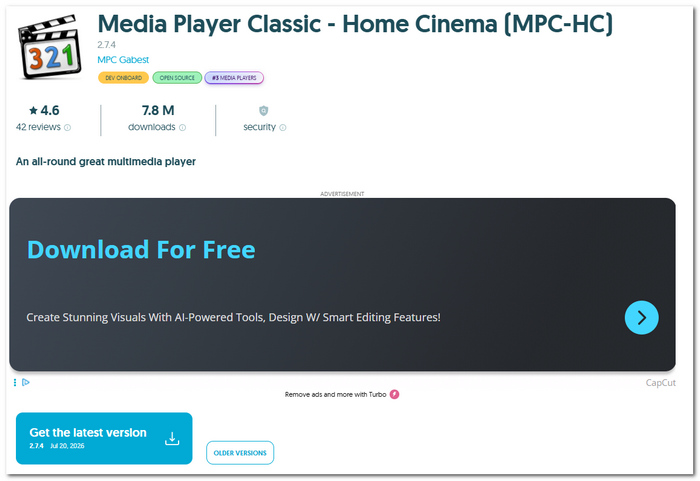
Media Player Classic - Home Cinema (MPC-HC) is a fast and lightweight media player that starts up rapidly, delivers smooth playback, and brings a neat interface without sacrificing performance. It features an internal codec setup that supports many file types, which makes it a good option for users with low-end or outdated machines.
Verdict
I've found that MPC-HC runs most local media files flawlessly, but playback of DAT files relies on the codec and structure of the file. Because the project is maintained by the community and is a very stripped-down version, it misses a broader decoding feature that some old media require. If you regularly work with DAT files, DVDs, or Blu-rays, VideoSolo Player gives you a more dependable playback solution thanks to its large format support and built-in playback engine.
Part 3. Troubleshooting & FAQs on DAT Audio Players
Why is my DAT file not making any sound?
This typically indicates that the player is able to recognize the file. Though it is not compatible with the audio codec that it contains, instead of randomly installing codec packs, you should try to open the file in a media player that has better support for decoding different audio formats.
Why does my DAT file keep skipping or stuttering while playing?
This kind of problem could result from the fact that you've transferred the file from an old and possibly corrupted disc, or maybe the player is having trouble decoding the original format of the recording.
My DAT file is not opening if I transfer it from a CD.
Some of the old CDs that we still keep around may have sectors that are corrupted, which we can no longer use properly, or the data may not be complete after a long period of time storing them. To increase the chance that you get the original content, you can re-record the CD disc with the help of the recovery software.
Conclusion
The use of outdated audio formats does not necessarily mean that it will be complicated. Once you are aware of and understand your various possibilities and then go for a trustworthy DAT Digital Audio Tape player, it will allow you to keep your audio recordings accessible for a long time.
More Readings
Play your videos/music in 100+ formats and region-free DVDs/Blu-rays with 4K and Dolby Atmos experiences.

