



 Download Screen Recorder For FREE!
One thing that appeals to me is having a miniature music player that allows me to put my phone aside, most of all when I'm in the mood for just listening and don't want to be disturbed by the usual phone interruptions like notifications, calls or the constant flow of social media updates. That's where Mighty Music Player steps in. Mighty 3 and Mighty Vibe act as contemporary counterparts to the iPod Shuffle, allowing users to have synced music for offline listening. But they are reliant on the streaming services' content availability if you do choose to stream. In fact, I wouldn't want to be limited by the content provided by my streamers if streaming is the option I want. If I want to be in complete control of my music files and have lifetime access to my music, then this restriction is one of the factors that matter most. Here is a review of what Mighty has on offer, what areas are not covered, and whether it's better for the user to stick with a local audio player.
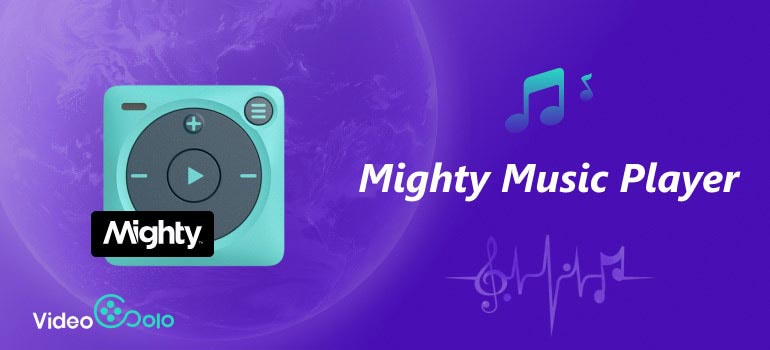
Part 1. What is a Mighty 3?
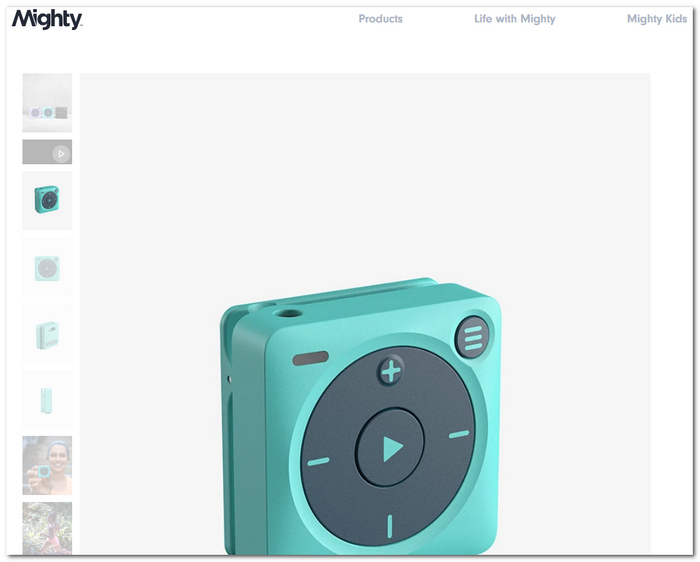
The Mighty 3 Music Player is a small, touch-screen-free music player that caters to people who prefer listening to music without being connected to their phone. It measures around 1.5 × 1.5 × 0.64 inches and weighs just 20 grams, making it light enough to clip onto your clothing and almost forget it's there. The Mighty has a storage of 8GB, which equals more than a 1000 song collection. Based on how it is used, the player is capable of playing music for 8+ hours. For transferring data, it offers Wi-Fi sync, and for playing music, it can connect via Bluetooth or wired headphones.
What Can It Bring to Me?
What I like best about Mighty 3 is that it frees me from my phone. I can sync my supported music playlists, leave the phone behind, and have a quiet offline listening time without the distractions of various notifications and the like. On top of that, its tiny size, physical buttons, clip, and IPX4 splash-proofing are so convenient for exercise, running, or just hanging around without having to carry another bulky gadget.
With the Mighty Music Player review still pending, I will also factor in that this music player is built around supported streaming services rather than centered on my collection of local audio files. That distinction matters when making a comparison with a regular desktop audio player.
Part 2. Some Drawbacks of the Mighty Music Player
The Mighty Vibe Music Player is super handy, but there are a couple of drawbacks worth mentioning. Playlist synchronization was a pain at times. The device relies a lot on its compatibility with streaming platforms and doesn't provide an option to load any music file you like freely. Being a small, screen-free gadget, it is ideal for being portable, but it will be somewhat of a challenge to navigate and manage music on the spot with it. There is no speaker, so headphones or an external speaker are needed. Generally, it will suffice for someone to just relax and listen to music without any distractions. It won't satisfy the needs of someone who wants complete control over a personal music collection.
Part 3. Enter VideoSolo Player: Keep High-Quality Audio Forever
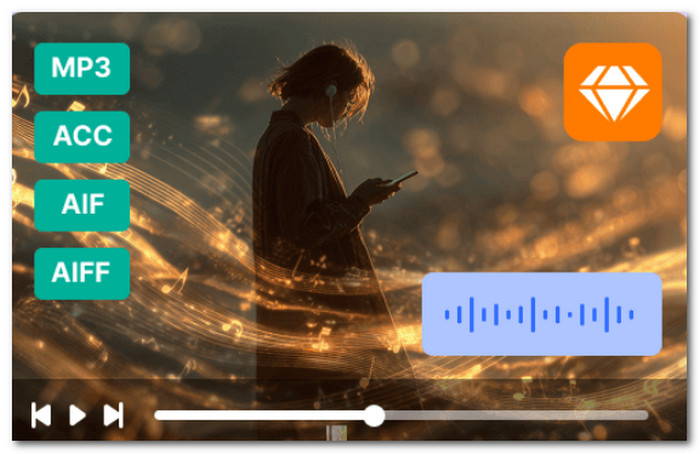
When I decided that it was time to get rid of the subscription-based platforms and retain the ability to have my own library anytime, the most suitable solution I have found is VideoSolo Player. This computer software allows me to play my audio files straight from my computer, with no upload required for streaming to happen, and it supports different formats like MP3, AAC, FLAC, WAV, M4A, OGG, and AIFF, which are among the most popular nowadays.
 Features
- Capable of playing various common formats as well as lossless ones, like MPEG Layer III, Advanced Audio Codec, Free Lossless Audio Codec, Waveform Audio File Format, M4A, OGG and Audio Interchange File Format.
- It handles various audio tracks, different speakers, and options for stereo channels.
- Able to customize audio device and channel settings according to preferred way of listening.
- One way to keep the sound playing smoothly and, at the same time, not using a lot of system resources is through hardware acceleration.
What Do I Get from VideoSolo Player?
From my point of view, the greatest benefit is that I can take charge and control my songs. VideoSolo Player enables me to play the audio files I have already stored locally on my device, unlike Mighty 3 Spotify music player, which is basically a streaming playlists synchronization based player. That way, I am free to enjoy all my music that is already in my possession without having to rely on a subscription to a music streaming service or having a playlist to sync and wait.
It's probably another good point for me if I have various types of audio files, since I don't need to convert less compatible formats like AAC to MP3 first. I can just open the supported files and play them back.
User Review
Among the strengths of VideoSolo highlighted by users are its diverse formats, instant playback, and easy user interface. A software analyst said that he appreciated its clean look and responsiveness, which came with support for many file formats, while a reviewer was impressed by its ability to play old media files successfully after failing in other media players. These remarks are in agreement with the feature I like the most about this software. It simplifies local media playback and, because of this, frees one from the constraints of proprietary streaming systems.
My opinion: in fact, if the one major reason to buy the device is a small audio player for exercise and offline playlist listening, then portability is one clear reason why Mighty is still a good choice. But if I own a lot of high-quality local audio files and would like to continue to use them without dependency on a streaming service, VideoSolo Player allows me to work with these files in a much better way.
Part 4. Mighty 3 vs. VideoSolo Player: Portable Streaming or Desktop Mastery?
| Evaluation Metric | Mighty 3 | VideoSolo Player |
|---|---|---|
| Usage case | Best for workouts, running, commuting, and phone-free listening | Best for home listening and managing a local music collection |
| Audio file capabilities | Syncs supported streaming playlists for offline playback | Plays local audio files directly from the computer |
| Audio quality | Good for everyday portable listening through wired or Bluetooth headphones | Better suited to users with high-quality or lossless local files |
| Portability | Excellent – 20 g and small enough to clip onto clothing | Desktop-focused; requires a computer |
| Subscription | Depends on supported streaming services | No streaming subscription is required for local files |
| Internet after syncing | Not required for offline playback | Not required for playing local files |
| Best choice if... | I want music without carrying my phone | I want broader control over my own audio library |
One major difference is the music source. The Mighty 3 audio music player is great for me when I already have a supported streaming service, but its service support is subject to change. Mighty has announced the phase-out of Spotify support by April 21, 2027, and my long-term streaming options are something that I'd think about before making the purchase.
The decision is pretty much clear to me. If I want headphones that allow me to walk around physically, Mighty 3 is my top pick, but VideoSolo Player is the one for me if I want to relax at home and also have some control over the playback of my local files. For a small-sized gadget when I jog, I get Mighty. When it comes to having some local files like FLAC, WAV, MP3 or whatever format and wanting to keep it playing on my own devices without having to stream from external services or converting formats like FLAC to MP3, which is more compatible, I prefer VideoSolo Player.
Part 5. FAQs on Mighty Music Player
Q: Can Mighty 3 tell me what song is currently playing?
A: Yes. When a song is running, the track and artist voiceover are activated by double-clicking the Play button. So the Mighty can describe playing music without the need for a screen.
Q: Can I only get one of the playlists back instead of syncing the whole library again?
A: You can now choose to refresh just one playlist. From the Music tab, you can tap the playlist that you want to refresh to update it without refreshing the whole Music Library.
Q: Will I be able to use airpods plus Mighty 3?
A: Yes, Mighty works with any audio gear you get, including AirPods. Just make sure your AirPods aren't connected to another device if you want to connect them to Mighty.
Conclusion
As far as music players go, the Mighty 3 Music Player would be the one to choose if I need something lightweight with a minimalist design that won't distract a person from listening to music offline. On a different note, when one wants to have total command over the files on their hard drive, with even more formats allowed, the desktop player VideoSolo will be much more liberating.
More Readings
Capture screen activities, audio, webcam, gameplay, and mobile screens on Windows and Mac with high quality.

