



 Download VideoSolo Player For FREE!
Previously, I thought that any media player, without exception, should be able to open an AVI file, but I was wrong since I got missing codec errors, audio and video out-of-sync problems, and even videos that do not play at all. The explanation is that AVI is a container format that can use many different codecs. That means default players like Windows Media Player or QuickTime do not necessarily support them well.
For that reason, it is a good idea to have an AVI video player dedicated to AVI. Such a player will be able to support more codecs and provide you with smoother playback. Besides, it will remove most of the compatibility issues that you may be having. To save you the trouble, I have tested some of the most popular AVI players for their playback quality, format support, ease of use, and overall performance. I will also share with you the best options and the one that is the best among them.

- Top 1. Videosolo Player [Best Overall]
- Top 2. VEED [Best for Browser-Based AVI Playback]
- Top 3. VLC Media Player [Best for Free and Open-Source Playback]
- Top 4. UniConverter [Best for Video Conversion and Playback]
- Top 5. Elmedia Player [Best for Mac Users]
- Top 6. Jumpshare [Best for Quick Online Video Viewing]
- Comparison of 6 AVI Video Players: How to Choose?
- FAQs on AVI Video Player
How We Tested and Chose the Best AVI Video Player
For the task of identifying the best software capable of playing AVI video files, I decided to run my tests on each tool using AVI files that had different video and audio codecs. I not only checked the playback quality, codec compatibility, audio and video synchronization, but also the subtitle support, speed of startup, and overall simplicity of use.
Upon my comparison of six different very popular choices, VideoSolo Player was the one that showed the best overall results by far. It was able to play all the test AVI files smoothly without any codec errors or sync issues, it supported playing in high resolution, and it was efficient in its handling of the files. On top of that, with a very simple user interface and wide format support. It made the most well-rounded experience for both casual viewers and advanced users.
Top 1. Videosolo Player [Best Overall]
VideoSolo Player is a specialized media player that can play back various video formats, like AVI, MP4, MKV, Blu-ray discs, DVDs, and many more. Many simpler media players have limited codec support and may be unable to play certain files. Then again, VideoSolo Player is developed for seamless, high-quality video playback even without getting extra codec packs. So, if you are asking how to open AVI files and at the same time have no playback issues, this method is definitely one of the easiest to adopt.
Why VideoSolo Player Stands Out
Compatibility, playback quality, and user-friendliness are all balanced in VideoSolo Player. In our review, it got the highest grade.
 Features
- Supported AVI, MP4, MKV, MOV, and WMV
- If you want to achieve a large collection of video output formats, this converter will satisfy you
- Reads Blu-ray DVDs, ISOs, and folders
- Supports very sophisticated subtitles
- Track and playback options for songs to suit individual preferences
 pros
pros
- Excellent compatibility with AVI codecs
- Playback is so smooth that you hardly notice a lag
- Works with both physical discs and digital files
- Very accessible to newbies when getting around
- Delivers very good first-rate sound and picture quality
 Cons
Cons
- Only the paid version allows access to some advanced features
- There are no video editing features included
How to Use VideoSolo Player
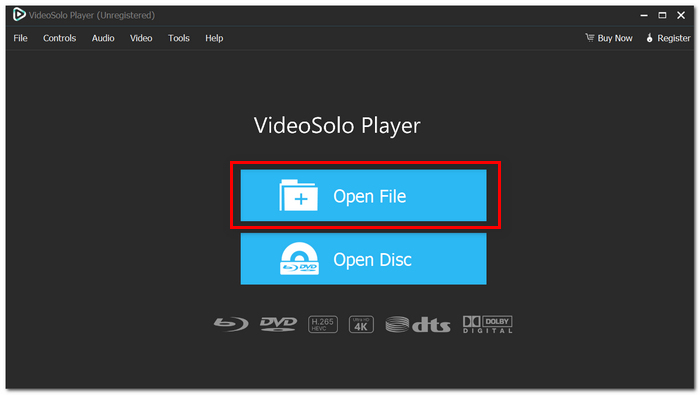
Step 1. Get the latest version from the official website and start VideoSolo Player on your PC. Select Open File and choose the AVI video you wish to play.
Step 2. The video will start to play right away. Change subtitles, audio tracks, playback speed, or screen size if you want.
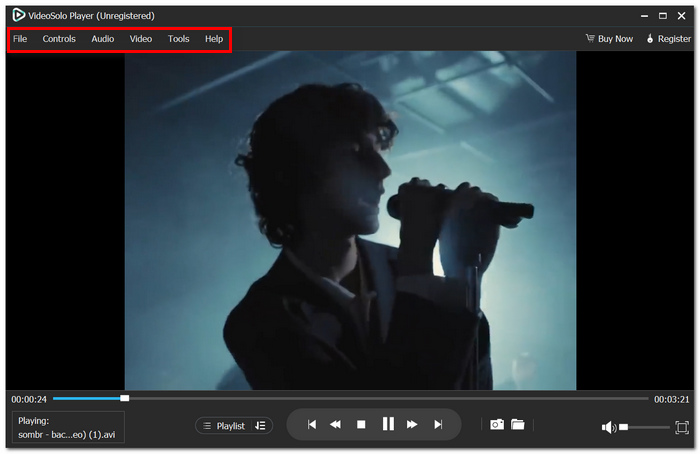
Step 3. View your AVI video without any codec errors or synchronization issues.
User Review
"Their response was very satisfactory..." — Trustpilot reviewer, 5-star review.
Among the tools tested, VideoSolo Player comes out as the most comprehensive solution by providing wide format support, smooth AVI playing, excellent output quality, and a simple learning curve for beginners and even experienced users.
Top 2. VEED [Best for Browser-Based AVI Playback]
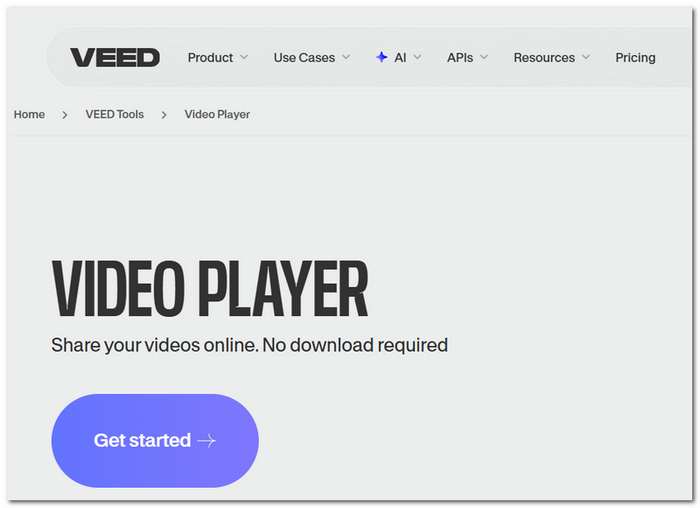
VEED supports online video usage. That is, users can watch, edit, and handle their videos simply through a browser without needing to download any part of the program. It can be a basic video clip AVI player for users who do not want the hassle of installing the heavy desktop software.
pros
- The majority of web browsers can access it
- Incorporates editing tools
- Facilitates online teamwork
Cons
- Big AVI files could take a while to upload
- The performance of the browser determines playback
User Review
VEED is a popular option for short video tasks and online workflows because of its browser-based ease and user-friendly editing capabilities.
Why VideoSolo Player Is Better for AVI Playback
Unlike VEED, VideoSolo Player opens AVI files instantly without uploads and delivers more stable playback since it doesn't depend on browser performance.
Top 3. VLC Media Player [Best for Free and Open-Source Playback]
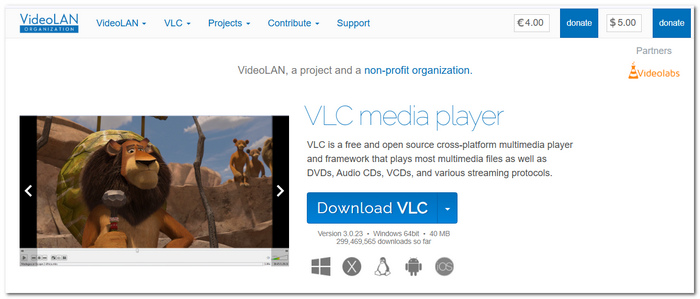
VLC Media Player is widely recognized as an excellent free media player due to its vast support for various audio and video formats. In fact, it is the most common choice in the role of AVI format video player simply because it has the capability to play many codecs without the user needing to download additional codecs.
pros
- You can use it for free forever, and there is no need for a subscription, and there are no ads
- It supports tons of different video and audio formats without you having to install any plugins or codecs
- You can install it and use it on multiple platforms, including Windows, Mac, Linux, Android, and iOS
Cons
- The look and feel of the user interface are quite outdated if compared to many of the latest media players
- Features like advanced playback and a media library might confuse new users
User Review
The majority of users praise VLC for the stability of its performance, the extensive variety of file formats it supports, and Truth is it offers these features free of charge. On the flip side, some believe that its interface looks old and is definitely less user-friendly than it could be.
Why VideoSolo Player Is Better for AVI Playback
Despite VLC's great compatibility with various formats, VideoSolo Player stands out for having a smooth and contemporary design. This player allows users to effortlessly find their playback controls and other functions.
Top 4. UniConverter [Best for Video Conversion and Playback]
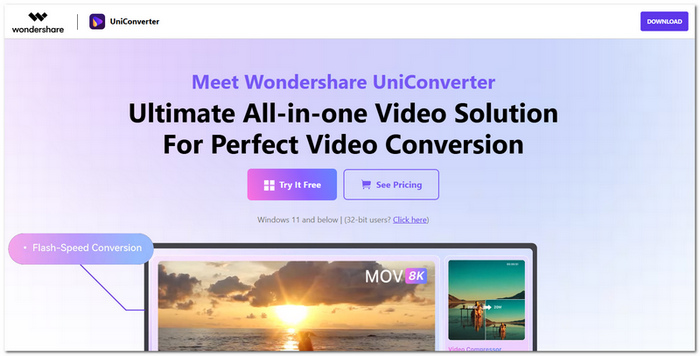
UniConverter is a multimedia toolkit that not only offers video conversion but also gives compression, editing, and playback features within a single app. It can be used as an AVI video player for Windows. Still, its main emphasis is on assisting users in converting and handling media files in various formats.
pros
- Comes with a set of robust video conversion features that can be used to reformat huge collections of media
- It can compress files, capture screens, and perform simple edits
- Works in batch mode, so you can convert several files at one time
Cons
- It is actually an AVI video converter and does not have a fully featured media player
- A lot of sophisticated functionalities require a paid subscription
User Review
Many users liked that UniConverter provided various media tools, mostly those for video conversion. Though a number of users think it has much functionality that they don't really need for simple video playback.
Why VideoSolo Player Is Better for AVI Playback
If you compare it with UniConverter, VideoSolo Player is dedicated to media playback, so it gives an even better viewing experience due to the lack of conversion/ editing tools, which are usually present in the interface and can cause distraction.
Top 5. Elmedia Player [Best for Mac Users]
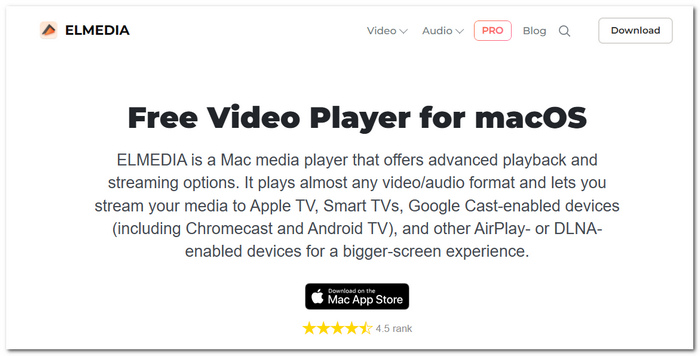
Elmedia Player is a media player, to be exact, made for macOS with the main focus on providing a seamless playing experience for a great number of video and audio formats. It is mainly favored by Mac users who require a trustworthy player for AVI files without the need to install extra codec packs.
pros
- Fully optimized for macOS, ensuring smooth and seamless integration with the Apple ecosystem
- Enables wireless streaming to various devices such as AirPlay, Chromecast, and DLNA-enabled TVs
- Works flawlessly with most video formats and gives high-quality playback without the need for additional settings
Cons
- Exclusive to Mac, this is not available for Windows and Linux users
- Many of the advanced playback and streaming features are locked behind the Pro version
User Review
Although some Mac users point out that several premium features require a paid subscription, Elmedia Player is largely praised for its seamless playback, elegant appearance, and streaming capabilities.
Why VideoSolo Player Is Better for AVI Playback
More compatible than Elmedia. Supporting both Windows and Mac, VideoSolo Player is more flexible and accessible to users. It also has all fundamental AVI playing functions without being too dependent on paid updates.
Top 6. Jumpshare [Best for Quick Online Video Viewing]
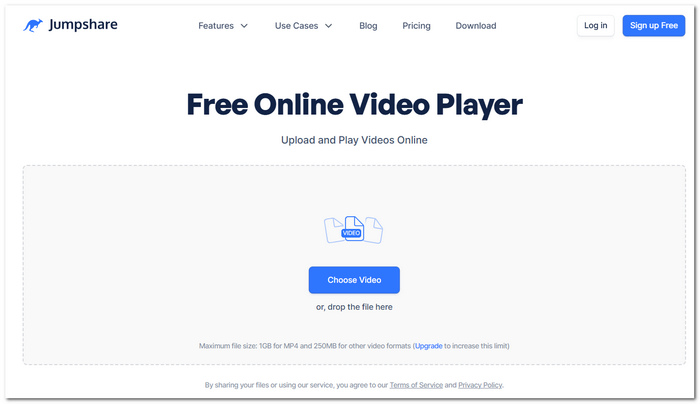
Jumpshare is a cloud platform for file sharing and viewing that allows users to watch videos directly in the browser without downloading them. It can work as an AVI video player for instant online watching, but the main focus of Jumpshare is file sharing, collaboration, and content previews rather than exclusive media playing.
pros
- Users can watch AVI videos online right away without the need to install any additional software
- Sharing videos, as well as teaming up with others, is facilitated by simply sending links
- Because it works in a web browser, you can access it from pretty much any device, which is a nice touch for those on the go
Cons
- Uploading the large AVI files might be time-consuming, which means delaying the start of playback
- Personalized settings and advanced playback features are lacking when compared to media player apps
User Review
Users appreciate Jumpshare for its simple file-sharing and media preview features, though some feel it works better as a collaboration tool than a dedicated video player.
Why VideoSolo Player Is Better for AVI Playback
Unlike Jumpshare, VideoSolo Player not only opens AVI files quickly from your device but also helps you enjoy your videos with its sophisticated play control features.
Comparison of 6 AVI Video Players: How to Choose?
| Player | Best For | Playback Quality | Audio Technology | Ad-Free | OS | Price |
|---|---|---|---|---|---|---|
| VideoSolo Player | Overall AVI Playback | Excellent | Advanced Audio Decoding | Yes | Windows, Mac | Free Trial / Paid |
| VEED | Browser-Based Playback | Good | Standard Web Audio | Yes | Web-Based | Free & Paid |
| VLC Media Player | Free Playback | Very Good | Multi-Codec Audio Support | Yes | Windows, Mac, Linux, Mobile | Free |
| UniConverter | Media Conversion & Playback | Very Good | High-Quality Audio Processing | Yes | Windows, Mac | Paid |
| Elmedia Player | Mac Users | Very Good | Advanced Audio Controls | Yes | Mac Only | Free & Paid |
| Jumpshare | Online File Preview | Good | Standard Web Audio | Yes | Web-Based | Free & Paid |
Final Verdict
VideoSolo Player is overall the best AVI video player in the market, combining smooth playback, wide codec support, top-notch audio, and an easy-to-use interface. Although VLC, VEED UniConverter, Elmedia, and Jumpshare each offer some compelling features of their own, VideoSolo Player manages to provide the most dependable and comprehensive user experience when playing AVI files with no hassles or compatibility issues.
FAQs on AVI Video Player
Q: Is it possible that two AVI files from one camera would need different players to be played correctly?
A: Yes, that scenario can happen. In case the two files are going to be embedded in an AVI container, the codecs that encode the audio/video streams may be different. This is the reason why the same media player won't be able to properly run both files.
Q: Can an AVI player affect battery life on laptops?
A: Yes. Some media players are better at using hardware acceleration support in the CPU/GPU to reduce power consumption during video playback.
Q: Why do some AVI files take longer to open than others with the same file size?
A: Apart from file size, the codec, the bit rate, the number of audio tracks, and even subtitle streams might affect the time required for opening the file.
Conclusion
Picking the best video clip AVI player can really impact how you enjoy your videos. There are lots of programs that can play an AVI file, but you shouldn't expect all of them to be equally compatible, produce high-quality playback, and be easy to use. Knowing what each player is good at and not so good at will help you choose the one that fits you best. When smooth playback, extensive codec support, and ease of use are your main concerns, a special AVI player is usually the right choice.
More Readings

Play your videos/music in 100+ formats and region-free DVDs/Blu-rays with 4K and Dolby Atmos experiences.

