



 Download VideoSolo Online Player For FREE!
Watching MP4 videos shouldn’t require downloads, complicated setups, or extra software. Sometimes, all you need is a browser. That’s where an MP4 player online is. This article to help you find the best MP4 player online tools from 8 options, breaking down their strengths, limitations, and real user experience, fitting your needs, whether for quick viewing, sharing, or everyday playback.
Part 1. Top 9 MP4 Player Online Tools
How We Tested
We processed a deep review of 9 MP4 video players against leading video standards. We played 4K H.265 (HEVC) and AV1 encoded files in Chrome/Safari and measured their performance, including first-frame loading speeds, video/audio quality, GPU hardware acceleration efficiency, and subtitle compatibility, to ensure a valid assessment.
1. VideoSolo Online Video Player – Free to Play Multi-Format 4K Files
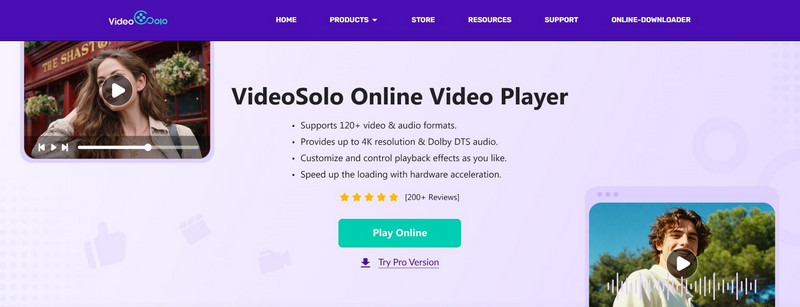
VideoSolo Online Player is a professional media player that supports lossless video playback in common video formats like MP4. It outputs high-resolution visual quality up to 4K and HD audio effect with DTS-HD & Dolby, providing you with an immersive watching experience. With leading hardware acceleration, the program and video will run faster and more stably with no lagging or buffering.
 pros
pros
- Compatible with 120+ video & audio formats.
- Output 4K image quality & Dolby DTS effects.
- Adjust video display, like adding subtitles/audio tracks.
- Fluent video loading and streaming.
- Free and easy to use through its launcher.
 Cons
Cons
- No support for DVD/Blu-ray disc content.
 Tips
Tips
To play region-free DVD/ 4K Blu-ray discs, or even convert discs to MKV format files for better storage, please upgrade to the Pro version: VideoSolo Player.
Using Experience
VideoSolo is strong enough to be very user-friendly and stable. It seems like videos are loaded right away, 4K playback is very smooth, and I have never been bothered by the ads or the waiting time when I play my movie collections! More than anything, it’s totally FREE!
In our test, it’s easy to get VideoSolo Launcher from Chrome, Safari, or Edge browsers. The video quality will not be compressed, even in large MP4 files with coded subtitle tracks. You can take full playback control and edit video, such as trimming, cropping, etc. And the tool is secure enough, our videos are processed locally and have not been uploaded to any server.
2. Gumlet — Best for Fast and High-Quality Video Streaming
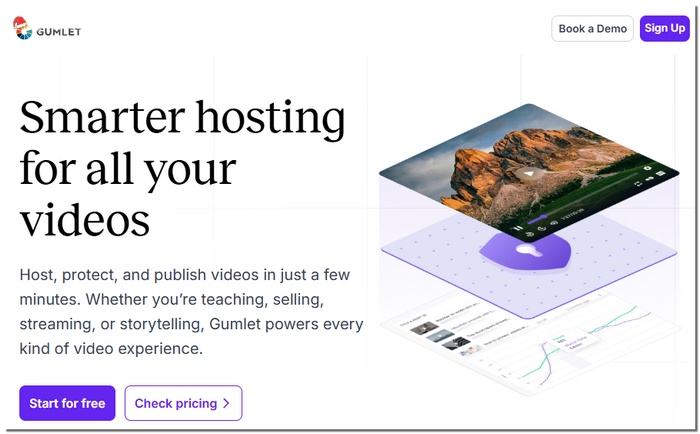
Gumlet is a performance-focused video platform that is made for smooth, excellent browser playback. Typically, it is the choice of companies and content creators who require a dependable way of video delivery, free of any kind of restrictions. If you are looking for a secure method of MP4 online streaming, then Gumlet is the best option in terms of rapidity and a streaming experience that is optimized.
pros
- Fast video loading with minimal buffering
- Maintains good video quality even on slower connections
- Works well across different browsers and devices
Cons
- More focused on streaming than casual personal use
- Certain sophisticated features are only available with premium programs
Using Experience
Gumlet plays MP4 videos smoothly and loads quickly, making it ideal when you want to play MP4 online without interruptions.
3. Jumpshare — Best for Quick Sharing and Instant Playback
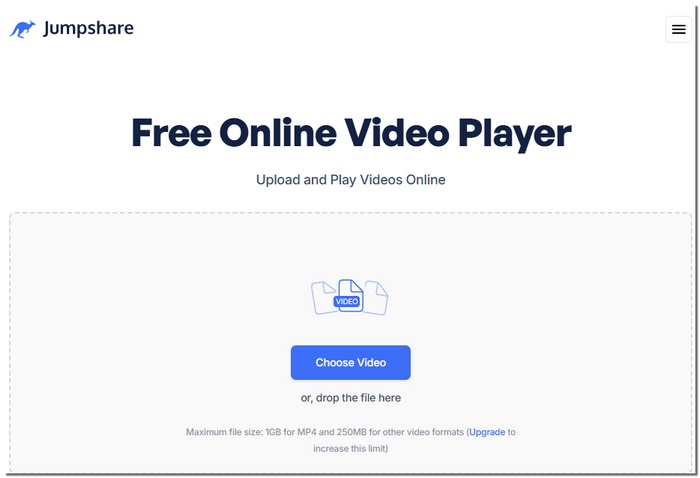
Jumpshare is an online video tool that works through the browser and is meant for quick file sharing and almost instant viewing of the files. In particular, it is helpful in the case of uploading a video and then giving access to others in order to watch it immediately without the need to download anything. Those who search for an easy method to play MP4 file online will find Jumpshare a very efficient and user-friendly platform.
pros
- No software installation required
- Easy upload and share options
- Works on multiple devices and browsers
Cons
- Limited storage on the free plan
- Not ideal for long or very large videos
Using Experience
Uploading is quick, and videos start playing almost instantly, making Jumpshare a convenient option to play an MP4 file online for quick previews or sharing.
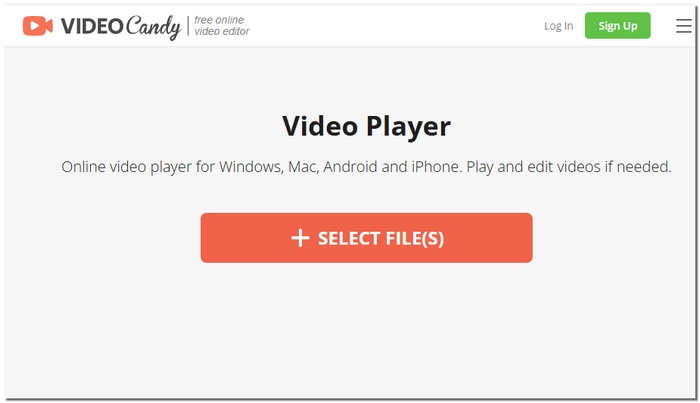
4. Video Candy — Best for Simple Playback with Basic Editing Tools
Video Candy is an easy-to-use web tool that combines video playback with light editing features. It’s ideal for users who want more than just watching, such as trimming or adjusting a video before sharing. It functions as a free online MP4 video player and doesn't require installation.
pros
- Includes basic video editing tools
- Simple and beginner-friendly interface
- Works correctly with the majority of contemporary browsers.
Cons
- Restricted sophisticated playback options
- Large or high-resolution videos are not supported
Using Experience
Video Candy is straightforward to use, letting you upload and watch MP4 files quickly while offering simple editing options when needed.
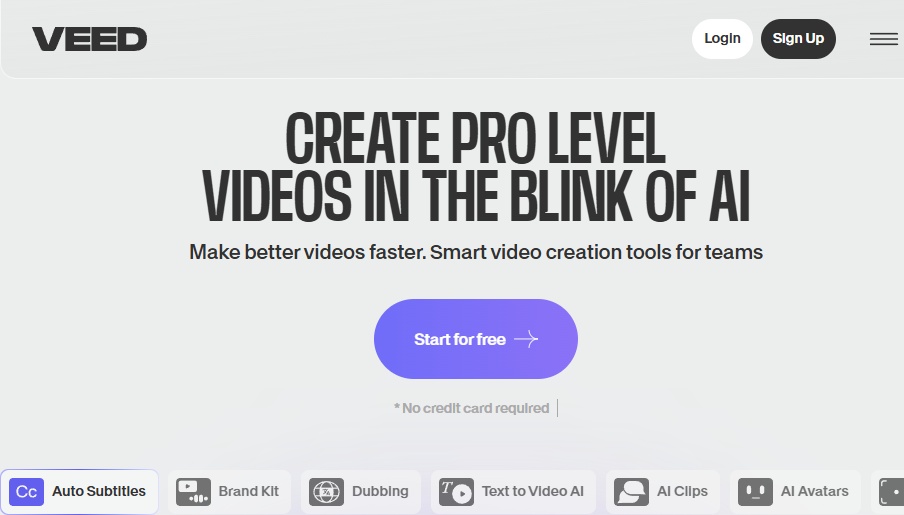
5. VEED.io — Best for Online Playback with Editing Features
VEED.io is a web-based video platform that goes beyond simple playback by offering built-in editing tools. It’s a good option for users who want to watch and make quick adjustments to videos in one place. As a free MP4 player online, VEED.io lets you preview MP4 videos directly in your browser without installing any software.
pros
- Free version available for basic playback
- Includes online editing and subtitle tools
- Works on Windows, Mac, and mobile devices
Cons
- A watermark is added to the free version
- A premium plan is required for advanced features
Using Experience
VEED.io plays MP4 videos smoothly and makes it easy to preview content before editing or sharing.
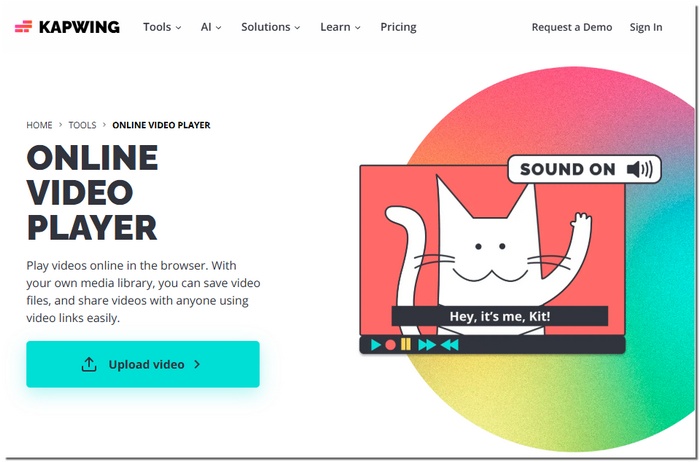
6. Kapwing — Best for Collaborative Online Video Playback
Kapwing is a web-based video suite aimed at simple consumption, editing, and collaboration. The most popular users are content creators and teams that are looking for the easiest ways to preview and share videos online. As an MP4 media player online, Kapwing enables you to play MP4 files right in your browser, and at the same time, it provides additional facilities for fast editing and collaboration.
pros
- Designed for team collaboration and content review
- Auto-saves progress while playing or editing videos
- Helpful for social media and short-form video workflows
Cons
- Not focused on pure playback performance
- For users who only want to watch videos, the UI could seem complicated
Using Experience
Kapwing works well for previewing MP4 videos during editing or team review, but it’s best used as a creative tool rather than a simple player.
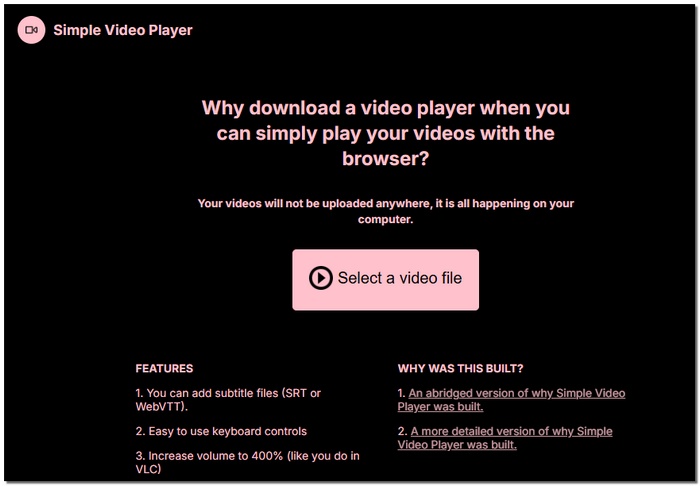
7. Simple Video Player — Best for Minimalist Browser Playback
Simple Video Player is a bare-bones tool that allows users to open their MP4 files and watch them without any additional features or clutter. Those who are looking for a quick and easy way to play their files will find this MP4 player online to be exactly what they need, as it is designed exclusively for video viewing.
pros
- Extremely lightweight and fast-loading
- Allows for convenient drag-and-drop playback
- Works well with low-bandwidth connections or outdated devices.
Cons
- Basic with no support for playlists or subtitles
- No sophisticated filters or playback settings
Using Experience
Simple Video Player is quick and responsive, letting you watch MP4 videos instantly with no extra steps or clutter.
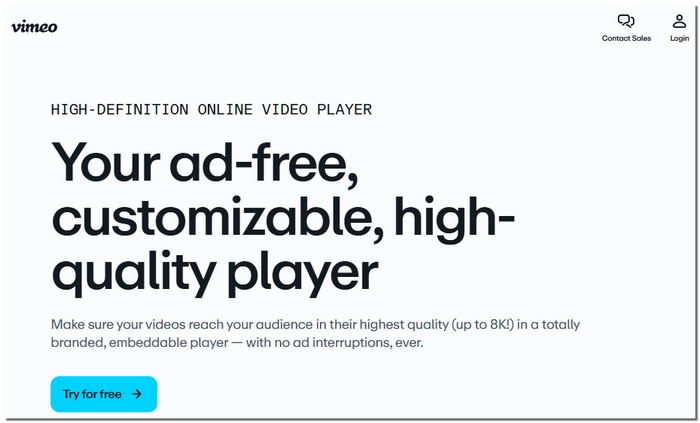
8. Vimeo — Best for High-Quality Streaming and Community Sharing
Vimeo is an online video streaming service that is well-known for its cutting-edge material and the highest caliber of videos it streams. If you are looking for a reliable online MP4 player with which you can have smooth playback and, at the same time, be able to consider a community of creators, then it is perfect for you.
pros
- Supports HD and 4K video streaming
- Integrated community tools for commenting and sharing
- Advanced video privacy settings
Cons
- There are upload and storage limitations with the free plan.
- Designed primarily for streaming rather than local file playback
Using Experience
Vimeo is great for sharing or viewing artistic stuff online and offers fluid, high-quality MP4 playback.
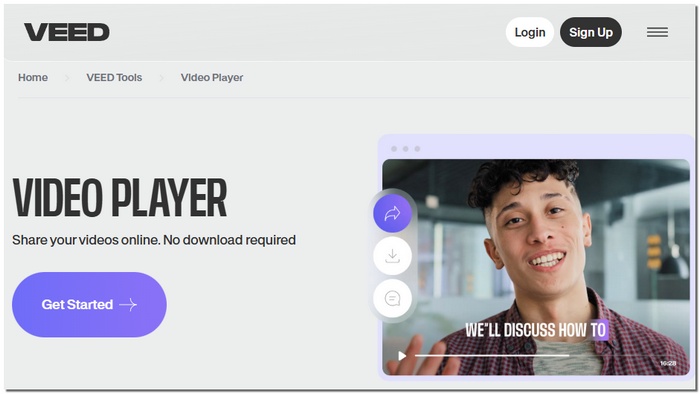
9. VEED Video Player — Best for Online Playback with Interactive Features
VEED Video Player is a web-based platform for consuming and interacting with videos. If you are looking for a simple online MP4 player in the browser with the addition of some user-engaging tools like annotations, captions, and collaboration features, then this would be the perfect solution for you.
pros
- Allows adding captions and annotations directly in the browser
- Interactive elements for teamwork and feedback
- Any device can access cloud-based playback
Cons
- There are a few export choices in the free version
- A subscription is needed for several sophisticated interactive features
Using Experience
VEED Video Player runs smoothly for watching and interacting with MP4 videos, making it perfect for collaborative projects or content review.
Online MP4 video players is convenient as long as your network connection is stable. However, if your connection is interrupted, you might find your MP4 video won’t play. Thus, I recommend you try an offline MP4 player.
Part 2. Comparison of 9 Online MP4 Players: Why VideoSolo Wins?
| Tools | Rating | Supported Formats | Video Quality | Audio Output | Playback Control | Video Editing | Free to Use |
|---|---|---|---|---|---|---|---|
| VideoSolo Online Player | ⭐⭐⭐⭐⭐ | 120+ video & audio formats | Up to 4K | Hi-Res Dolby Atmos/DTS | Play, pause, forward, backward, volume control, and screen modes | Trim, crop, add video/audio tracks and subtitle tracks, video clips, and adjust video effects | ✅️ |
| Gumlet | ⭐⭐⭐⭐ | MP4, MOV, MKV, AVI, WEBM, M4A, and MP3 | 4K | High-quality | Muted autoplay, custom branding, keyboard shortcuts, and API-driven control | clip, crop, add watermarks, SRT files, or chapters | Free Creator: $6/Month Growth $19/Month Business $99 /Month |
| Jumpshare | ⭐⭐⭐ | MP4, AVI, MOV, M4V, etc. | 1080p/4K | High-quality | Adjust speed, seek content, and manage volume | Trim, cut, add links, thumbnail | Free Plus: $12/Month |
| Video Candy | ⭐⭐⭐⭐ | MP4, MOV, AVI, MKV, WebM, and HEVC | HD/4K | High-quality | Speed adjustment | Trim, merge, add music, adjust visual effects, etc. | Month: $8 Year: $36 Lifetime: $79 |
| VEED.io | ⭐⭐⭐⭐ | MP4, MOV, AVI, MKV, WEBM, MP3, etc. | 4K and 1080p | AI Audio Enhancement | Speed Adjustment | Edit, trim, and enhance videos | Creator: $25/Month Pro: $49/Month Studio: $79/Month |
| Kapwing Online Video Player | ⭐⭐⭐ | 30+ formats for video, audio, and images | 4K and 1080p | AI-powered audio enhancement | Adjust speed, trim, loop, and reverse videos | Add or remove footage, add subtitles, music, special effects, and more. | Free Pro: $16/Month Business: $50/Month Enterprise: Custom |
| Simple Video Player | ⭐⭐⭐⭐ | MP4, MKV, AVI, MOV, FLV, and WebM | Up to 8K | standard HDMI (digital) or analog AV (stereo) connections | Play/pause, volume adjustment, keyboard controls | Add subtitle files (SRT or WebVTT) | $19.99 |
| Vimeo | ⭐⭐⭐⭐ | MP4, MOV, AVI, WMV, FLV, MPEG, 3GP, 3GP, M2TS, MTS, WebM, etc. | 240p to 8K | 320 kbps/48kHz | play bar, volume, full screen, Chromeless mode | crop, trim, cut, add text, soundtracks, and more | Starter: $12/Mon Standard: $25/Mon Advanced: $75/Mon |
| VEED Online Video Player | ⭐⭐⭐⭐ | MP4, MOV, AVI, MKV, WebM, WMV, FLV, MPEG/MPG, M4V, GIF, MP3, AAC, FLAC, etc. | h264 MP4 | High-quality | Speed adjustment | Rotate, resize, crop, add filters, images, audio, subtitles | ✅️ |
Verdict: Why VideoSolo is the Best Value Choice
Unmatched Versatility: Supports 120+ formats and 4K quality, surpassing the limitations of standard browser players.
Perfect Audio/Visuals: The only free online tool in our test to consistently support Dolby Atmos and DTS output.
All-in-One Utility: Combines smooth playback with essential trimming and cropping tools, eliminating the need for extra software.
After comparing 9 leading online MP4 players, VideoSolo Online Player offers a premium, all-in-one experience at zero cost, making it the highest-rated tool for performance and value in our review.
Part 3. FAQs on MP4 Player Online
How to play my MP4 video online in a browser?
Step 1. Click Play Online Now on your web page and open VideoSolo Launcher.
Step 2. Then you can tab the Open Files button to choose an MP4 file on your device.
Step 3. The program will automatically play your video. And you’re allowed to control playback speed, screen size, forward, backward, adjust visual effects, and more.
What is the best online player for MP4?
VideoSolo Online Player is highly recommended. It's completely free, supports MP4 and many other formats, has a clean and simple interface, and requires no registration. It offers smooth playback, adjustable volume, and full‑screen mode, making it an ideal choice for quick MP4 viewing.
Does VideoSolo Online Player have file size or duration limits?
No, VideoSolo Online Player does not impose strict file size or video length limits for basic playback. Unlike many free online players that cap uploads at 200MB or 1GB, VideoSolo handles larger MP4 files smoothly. However, a seamless playback may depend on your internet and device performance.
Conclusion
To watch any video online and have quick browser access, there are many options for everyone. This guide helps you choose the best tool to play MP4 videos online smoothly and reliably. Anyhow, if you prefer a free but professional online video player, you can also try VideoSolo Online Video Player.
More Reading
Play your videos/music in 100+ formats and region-free DVDs/Blu-rays with 4K and Dolby Atmos experiences.

