



 Download VideoSolo Player For FREE!
Nowadays, I have also seen that most of the people are not interested in having separate apps for playing music as well as for video. Most of the people just want a single application that can give maximum support for MP3 files, MP4 files, 4K movies, 4K videos, and Blu-ray movies in a smooth way without having to switch multiple apps. So the need for the best MP3 video player is extremely essential.
I will explain some of the most popular media players on the market today and find out their best features, DVD performance, sound quality, and usability. So whether you are mostly a music listener, a movie watcher, or you want the all-in-one media player to suit your entire system, this guide will help you decide which is best for you.
- Why Do You Need a Hybrid Media Player
- Top Picks at a Glance
- Top 1. VideoSolo Player [All-in-one]
- Top 2. VLC Media Player [Best for Free Multi-format Playback]
- Top 3. Elmedia Player [Best for macOS Streaming and Playback]
- Top 4. PotPlayer [Best for Advanced Playback Customization]
- Top 5. CyberLink PowerDVD [Best for Blu-ray and Home Theater Playback]
- Top 6. Zoom Player [Best for Flexible Interface Control]
- Top 7. Kmplayer [Best for Lightweight Multi-format Playback]
- Top 8. GOMPlayer [Best for Built-in Codec Support[
- Comparison of 8 Media Players for Audio/Video Playback
- FAQs on MP3 and Video Players
Why Do You Need a Hybrid Media Player
Recently, I have observed that users don't want to juggle several applications to have their media. In the past, they would have a player for MP3/FLAC files, and another one for movies, even 4K videos or Blu-ray discs.
Now it sounds just less smart to do so. What the user actually needs is one perfect media player that supports everything gracefully under one roof.
That's the reason why a hybrid media player is essential, as it supports the use of both audio and video formats. When I search for the best MP3 player for my own use, I think beyond music. I wonder if the player also supports playing video well in the current environment where people consume music, audio, and video at the same time.
A good hybrid media player should meet a few key requirements:
- • Format Support: It should support a large selection of file types like MP3, FLAC, AAC for audio, and MP4, MKV, Blu-ray for video without crashing itself.
- • Hardware Acceleration: This supports smooth playback of high-resolution videos while decreasing CPU usage that might cause lag or stutter.
- • Sound Enhancement: Equalizers, surround sound, and audio boosts enhance the general quality of the listening experience for movies and music.
Top Picks at a Glance
Here is a brief summary of the hybrid media players that are highly recommended in terms of overall user experience, performance, and versatility.
| Product | Best For | Pricing |
|---|---|---|
| 1. VideoSolo Player | Smooth playback + Blu-ray/4K media viewing + simple media management | Paid (Free trial available) |
| 2. VLC media player | Free, open-source playback for almost all formats | Free |
| 3. Elmedia Player | Mac users who want smooth streaming and playback control | Freemium |
| 4. PotPlayer | Advanced users needing deep customization and high-quality playback | Free |
| 5. CyberLink PowerDVD | Premium Blu-ray, 4K, and home cinema experience | Paid |
| 6. Zoom Player | Windows users wanting a flexible interface and control | Freemium |
| 7. KMPlayer | Lightweight playback for multiple formats | Free |
| 8. GOM Player | Easy playback with built-in codec support | Free / Ads-supported |
Top 1. VideoSolo Player [All-in-one]
VideoSolo Player is actually the first Blu-ray player that I turn to personally when I want a simple yet reliable media playback solution. To me, it gives a smooth experience that is well balanced between great video output and good audio performance, so it can be considered a practically all-in-one player for everyday use.
Rather than concentrating on a single type of media, the main idea is to enhance the whole entertainment experience, which is the reason why most users consider it a powerful hybrid media player capable of playing various types of media.
 Features
- Supports MP3, FLAC, MP4, MKV, and Blu-ray formats
- Supports smooth 4K and HD playback
- Video playback gets hardware-accelerated
- Ability to customize audio track and subtitles
- Reliable performance for daily media usage
My process of using it is as follows:
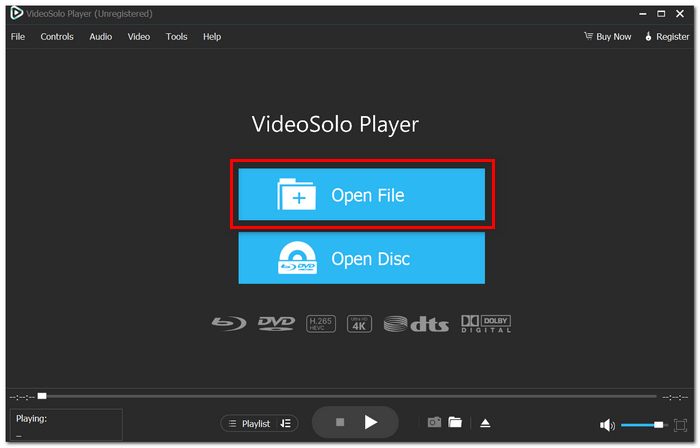
Step 1. First, you should install VideoSolo Blu-ray Player on your computer. After the installation, run the program.
Step 2. In the main interface, just hit "Open File" and choose the video or audio file that you want to play.
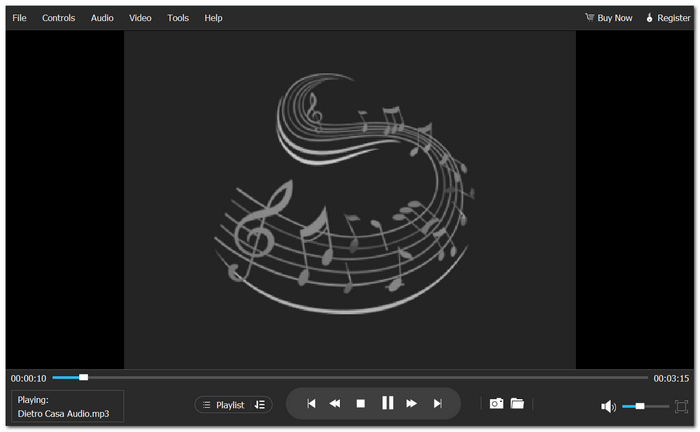
Step 3. You may change volume, subs audio tracks, screen size, and playback speed easily during playback to your liking.
User Review
Several users are happy with VideoSolo Player because it has an uncomplicated interface, a great playback experience, and the ability to handle multiple media formats. A lot of people think it operates well without the need for technical knowledge, which makes daily media entertainment much simpler.
However, some users point out that the full range of features can only be found in the paid version. Even so, they agree that it is a trustworthy all-in-one media player for people who want to give up using separate apps for audio and video playback.
In general, it is frequently thought to be a very decent best player for an MP3 player because it is well balanced between being portable, versatile, and user-friendly.
Top 2. VLC Media Player [Best for Free Multi-format Playback]
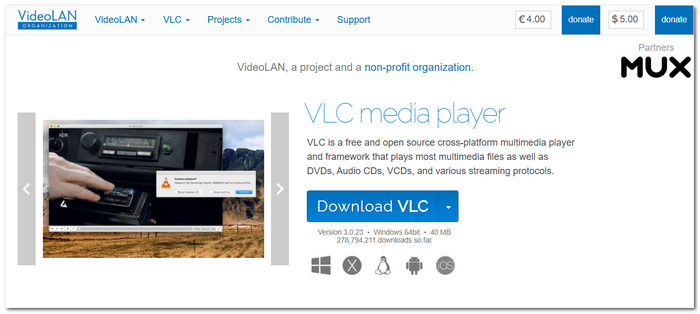
When users mention an effective free MP3 and MP4 player, I nearly always find that they refer to VLC media player. Such media players have been used for many years and still continue to be one of the most popular media players due to their vast range of format support and simple accessibility.
VLC media player is a free open source free media player that handles a wide range of audio/video formats, even without having the installation of codecs. It functions on a number of platforms and is used for "casual, everyday listening".
 pros
pros
- Supports most popular audio and video formats
- Absolutely free with no paid subscription
- Platform available on Windows, macOS, Linux, Android, and iOS
- You can also use VLC to repair video like MP4
 Cons
Cons
- The interface feels old and outdated
- Some of these features could increase CPU usage for high-res playback
User Review
VLC is still popular for many as it is reliable, and will open just about anything within seconds. Though to some it does look a little dated, and 4K playback will slow down on older computers.
Top 3. Elmedia Player [Best for macOS Streaming and Playback]
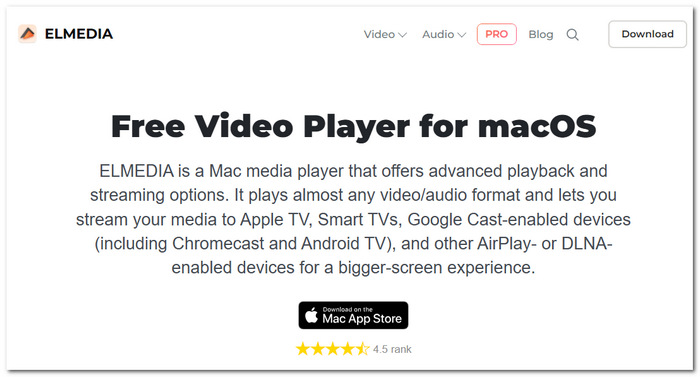
For Mac, I really believe that the Elmedia Player is one of the better-looking players because they are there for smooth-running videos and wireless streaming.
It is a media player for all Apple computers using the Mac OS X operating system, providing media playback with high-quality video, subtitles support, and improved playback control than native Apple media applications.
pros
- Superb macOS optimization
- Smooth AirPlay and Chromecast streaming
- Modern and sleek interface
Cons
- Certain advanced capabilities require buying the Pro edition
- Not available on devices other than Apple products
User Review
I have found that many Mac users have positive reviews of the Elmedia Player, citing that the user interface is simple and the streaming feature works without problems. Yet, there seem to be some complaints about multiple advanced features being available only with a paid upgrade.
This is one reason I still consider it a good best media player choice for mixed audio/video use.
Top 4. PotPlayer [Best for Advanced Playback Customization]
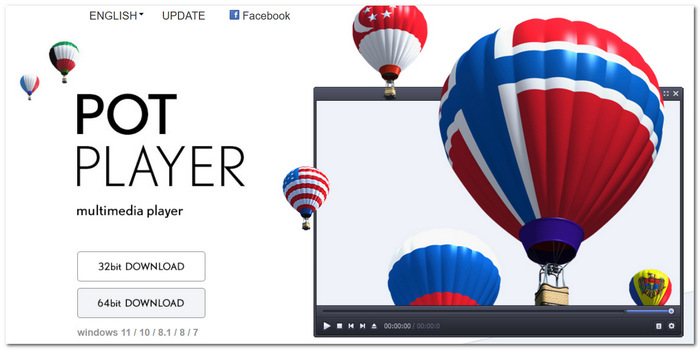
I observed that lots of talented users still choose not to give up on PotPlayer because of its flexibility. This is a Windows Media Player, renowned for intricate playback options, comprehensive codec support, and superb video quality.
pros
- Playback features extensive customization options
- High degree of codec support
- High-quality, high-resolution playback
Cons
- The interface could be too much for beginner users
- Too many options can lead to confusion during setup
User Review
PotPlayer is appreciated by a large number of users for its rendering quality and its advanced controls. Still, some beginners complain that having so many options can be confusing at first.
Top 5. CyberLink PowerDVD [Best for Blu-ray and Home Theater Playback]
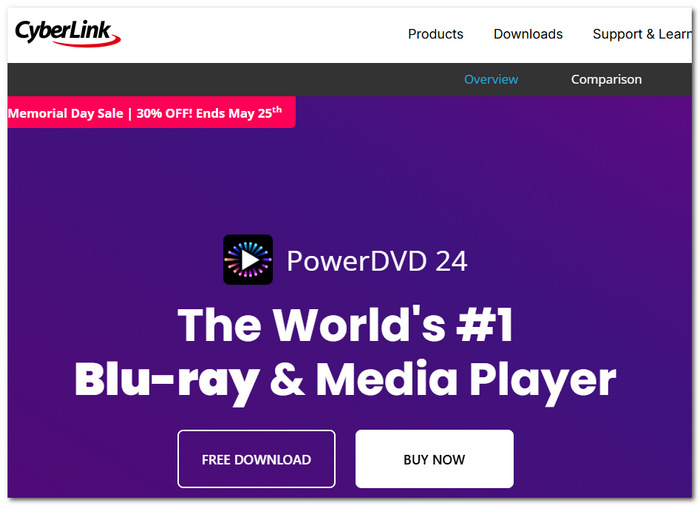
If you love to watch movies on a larger computer screen, I believe CyberLink PowerDVD is one of the best premium options. Media player for Blu-ray DVD 4 K, and home theater playback, with improved cinematic viewing features.
pros
- High quality when playing Blu-rays and 4K discs
- Good performance in terms of surround sound
- Modern and clean interface
Cons
- The premium service is pricey
- Advanced functionalities might be resource-intensive
User Review
PowerDVD is popular among many users for its playback quality and support for Blu-ray. Users also noted that the price of the subscription seems high compared to free solutions.
Which is one of the reasons that gives enough reason for quite a number of users to still deem VideoSolo one of the best MP3 video player on the balanced audio/video playback.
Top 6. Zoom Player [Best for Flexible Interface Control]
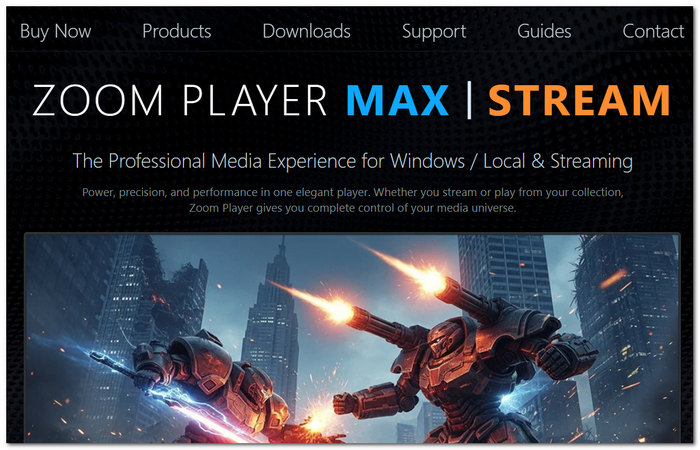
I observed that those users who take control of their media playing environment seem to select Zoom Player more frequently. A Windows Media Player that contains adaptable navigation, easily customized controls, and media-center-style playback.
pros
- High level of interface customization
- Excellent organization of the media library
- Multiple ways of playing the content
Cons
- Could be considered an outdated interface by some users
- Advanced customization could confuse newcomers
User Review
Many users like Zoom Player because it offers numerous controls and ways to organize media. Some users suggest it may take a while to set up for new users.
Top 7. Kmplayer [Best for Lightweight Multi-format Playback]
I've observed that the relatively popular media player KMPlayer is mainly used by users who want a light-weight media player that can play various audio and video formats with almost negligible setup. A media player to play HD content smoothly with built-in codec support and easy controls.
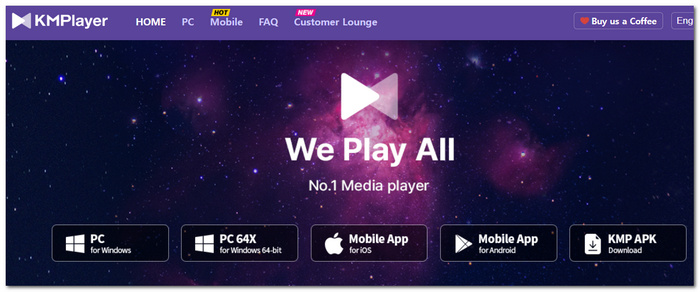
pros
- It works with many file formats
- Easy to install and lightweight
- Good HD and 4K playback
Cons
- The free edition has ads
- The interface sometimes looks messy
User Review
A large number of people like KMPlayer because of the plug-and-play format support and good, simple playing performance. But some people also point out that advertisements and sometimes a cluttered interface might hinder the experience.
Top 8. GOMPlayer [Best for Built-in Codec Support]
I think most of the users have been using GOM Player for a long time, just because playing back your media becomes so much easier without even needing to install extra codecs. A media player designed for accessibility offers its own set of codecs and is easy to use for a typical Joe user.
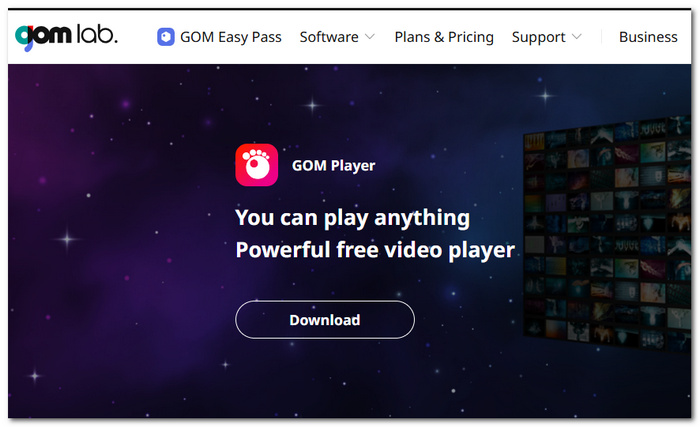
pros
- Built-in codec support for multiple types
- Easy to search and synchronize subtitles
- Easy playback for beginners
Cons
- The free version has ads
- Limited advanced functionality
User Review
Of the users who enjoy GOM Player, most like that it is easy to use while having good support for subtitles. Others complain that advertisements or a lack of additional tools can detract from the experience.
Comparison of 8 Media Players for Audio/Video Playback
| Media Player | Image Output | Audio Quality | Blu-ray / ISO Support | Hardware Acceleration | Interface | OS Support | Pricing |
|---|---|---|---|---|---|---|---|
| VideoSolo Player | Excellent HD & 4K playback quality | Clear, enhanced audio performance | Supported (Blu-ray & DVD playback) | Strong GPU-optimized playback | Modern & beginner-friendly | Windows, macOS | Paid (Free trial available) |
| VLC media player | Very good | Good | Basic support | Moderate | Simple but outdated | Windows, macOS, Linux, Android, iOS | Free |
| Elmedia Player | Very good | Good | Limited | Good | Clean & modern (macOS) | macOS | Freemium |
| PotPlayer | Excellent | Excellent | Yes | Strong | Complex | Windows | Free |
| CyberLink PowerDVD | Cinema-level | Excellent | Full support | Strong | Polished | Windows | Paid |
| Zoom Player | Very good | Good | Yes | Good | Customizable | Windows | Freemium |
| KMPlayer | Good | Good | Limited | Moderate | Slightly cluttered | Windows, Android | Free (ads) |
| GOM Player | Good | Good | Basic | Moderate | Simple | Windows, macOS | Free (ads) |
FAQs on MP3 and Video Players
Q: Why do some media players sound better with the same MP3?
A: Processing audio, the equaliser support, and software that is integrated or included for enhancement purposes.
Q: How come some players have trouble playing Blu-ray or ISO files?
A: The problem with Blu-ray and "ISO" formats is that they often need licensed decoding or greater decryption ability from the player than it has.
Q: How can certain videos run fine in one player and stutter in a different one?
A: Various decoding engines are used by different players, and performance may depend on tuning and hardware acceleration.
Conclusion
Finally, what I learned from going through all these different programs is that there's no such thing as the perfect media player. You have some media players that are more geared toward power users who want the ability to do anything, while you have simpler media players designed to perform fast and efficiently.
If what you really need is a dependable player for music and video, then selecting the best MP3 player for what you actually do will be hugely impactful.
More Readings
Play your videos/music in 100+ formats and region-free DVDs/Blu-rays with 4K and Dolby Atmos experiences.

