



 Download VideoSolo Online Player For FREE!
Watching videos on the Internet appears to be easy, but not all web-based players provide broad format support, 4K UHD playback, or the features that users frequently require. Selecting the proper online video player can be a great time saver, a frustration preventer, and a way to enhance your viewing experience. Here, we will explore 8 online video players in terms of their advantages and disadvantages, performance comparison, and help you pick the most appropriate tool to utilize your video-watching time to the fullest.

- 1. VideoSolo Online Video Player – Best for Full 4K/HD Resolution
- 2. Video.js — Ideal for Adaptable Online Video Playback
- 3. JW Player — Ideal for Embedding and Streaming Videos
- 4. HLS.js — Best for HTTP Live Streaming on the Web
- 5. Flowplayer — Ideal for Quick and Lightweight Web Playback
- 6. ScreenPal — Best for Recording and Sharing Videos Online
- 7. RealPlayer — Best for Media Management and Streaming
- 8. MediaElement.js — Ideal for Accessibility and HTML5 Compatibility
- Which to Choose: Comparison of 8 Online Video Players
- FAQs on Online Video Players
1. VideoSolo Online Video Player – Best for Full 4K/HD Resolution
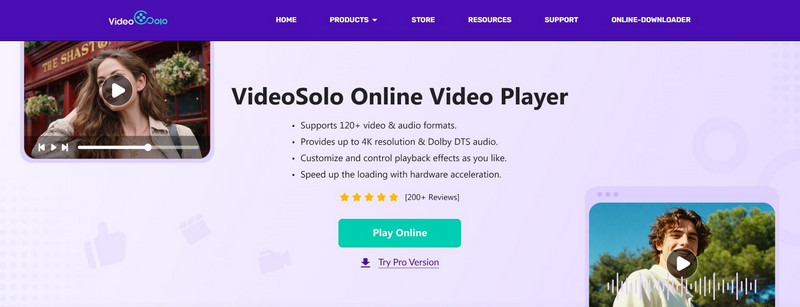
If you’re seeking a web-based video player to watch your entire video collection in various formats, VideoSolo Online Video Player, a versatile media player, is the ultimate solution for music fans and moviegoers. The program is compatible with over 120 audio & video formats, such as mainstream MP4, MKV, AVI, MOV, WMV, and lossless FLAC/AAC. Based on advanced hardware acceleration, you will have a seamless HD 1080p/4K playback without glitching, blurring, or dropping frames. Plus, this online video player supports Dolby Atmos & DTS technology, which offers higher bitrate and audio fidelity, ensuring a more immersive experience for advanced home theaters.
 pros
pros
- Supports 120+ video & audio formats.
- Provides up to 1080p/4K image quality.
- Offers Dolby DTS audio effects.
- Customized playback control and settings.
- Plays videos smoothly without any lagging.
 Cons
Cons
- No support for DVD/Blu-ray disc content.
 Tips
Tips
If you want to play DVD/ 4K Blu-ray discs without region restrictions, or even convert discs to MKV format files for better storage, we recommend you upgrade to the Pro version: VideoSolo Player.
User Experience
VideoSolo is strong enough to be very user-friendly and stable. It seems like videos are loaded right away, 4K playback is very smooth, and I have never been bothered by the ads or the waiting time when I play my movie collections! More than anything, it’s totally FREE!
In our test, there is fluent access to the program from Chrome, Safari, or Edge browsers. We can open any large files within different formats in seconds and enjoy great quality of pictures and audio.
2. Video.js — Ideal for Adaptable Online Video Playback
Developers and content creators frequently utilize an open-source HTML5 video player, Video.js, to embed videos on websites. It’s highly customizable, lightweight, and supports a wide range of formats, making it ideal for those who want flexibility in a web-based play video online solution.

pros
- Extremely adaptable with themes and plugins
- Supports a variety of streaming protocols and video formats.
- Adaptable & mobile-friendly
Cons
- To reach full potential, a basic understanding of coding is necessary.
- Fewer sophisticated functionalities than desktop players
User Experience
Video.js works well on different browsers and devices. After the initial setup, videos are quick to load, and the playback is stable. Thus, it is a good option for people who want to play videos online without using powerful software.
3. JW Player — Ideal for Embedding and Streaming Videos
JW Player is a widely used web video player that is built for quick streaming and simple embedding on web pages. The player supports adaptive streaming and is performance-optimized. Thus, it can be considered a dependable means to play video online from URL.

pros
- Supports adaptive bitrate streaming for smooth playback
- Broad format compatibility, including MP4 and HLS
- Analytics and advertising integration available
Cons
- Certain sophisticated functions require a premium plan
- Customization options are less flexible than those of open-source players
User Experience
JW Player is speedy with video loading and constantly streams stably, even if the source is a URL. Being responsive in design, it guarantees an effortless playback experience of the video even if it is streamed from a URL on different devices, thus, it can be relied on as an URL video player.
4. HLS.js — Best for HTTP Live Streaming on the Web
HLS.js is a JavaScript library whose source code is open and allows HTTP Live Streaming (HLS) to be handled directly by the browsers. It is not heavy and is perfect for airing live or recording videos, thus it turns out to be a feasible instrument to play video from URL online.
pros
- Free and open-source
- Supports live streaming and adaptive bitrate playback
- Works on most modern browsers without plugins
Cons
- Limited to HLS streaming format
- Need a certain level of technical expertise to integrate
User Experience
For live material in particular, HLS.js provides dependable and smooth streaming. After integration, viewers can effectively watch videos from a URL online without latency or buffering.
5. Flowplayer — Ideal for Quick and Lightweight Web Playback
The web-based video player Flowplayer is renowned for its quickness, portability, and simplicity of integration. It is a dependable online video player free alternative for websites and casual users, because it offers a variety of video formats and streaming choices.

pros
- Free version available with essential features
- Lightweight and fast-loading
- Supports multiple video formats and adaptive streaming
Cons
- Customization may be restricted if you don't know how to code
- In comparison to desktop equivalents, the user interface is basic
User Experience
Flowplayer loads videos quickly and plays them smoothly, making it a convenient and efficient online video player free option for streaming videos without extra software.
6. ScreenPal — Best for Recording and Sharing Videos Online
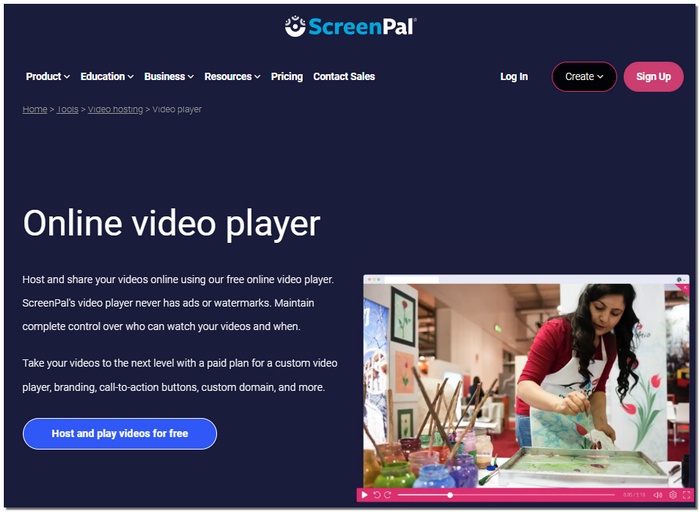
ScreenPal is an all-in-one web-based platform, which, in addition to capturing your screen, goes ahead and replays the recorded video. Being so simple, it turns out to be a perfect instrument for teaching videos, corporate presentations, or the like, easy and fun ways of sharing a clip. So, in essence, it acts as a free online video player and at the same time, a handy tool for those who are looking for the best online video player experience.
pros
- Free version available with basic playback and recording
- Supports video sharing and embedding
- Lightweight and browser-based
Cons
- The free version has limited recording time and features
- Fewer format options compared to dedicated players
User Experience
ScreenPal is intuitive and quick to load. Users can watch or share videos seamlessly, making it a reliable online video player and one of the best online video player options for simple, browser-based needs.
7. RealPlayer — Best for Media Management and Streaming
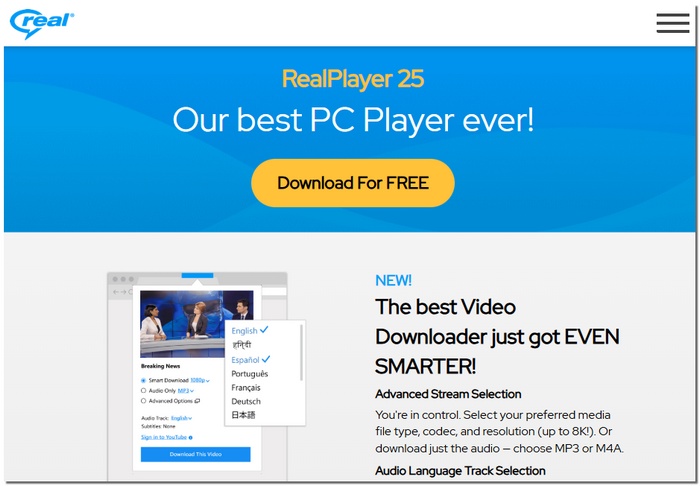
RealPlayer is a long-standing media player that now offers a web-based version for video playback and streaming. It provides basic playback, downloads, and organization tools, making it a practical and free online video player and a reliable online video media player.
pros
- Free version available for basic playback and streaming
- Supports multiple video formats
- Allows downloading and organizing media files
Cons
- The interface feels outdated compared to modern players
- Limited customization and streaming options
User Experience
RealPlayer offers smooth playback for most videos and simple media management. Its reliability and ease of use make it a solid, free online video player and a trustworthy online video media player for basic online viewing.
8. MediaElement.js — Ideal for Accessibility and HTML5 Compatibility
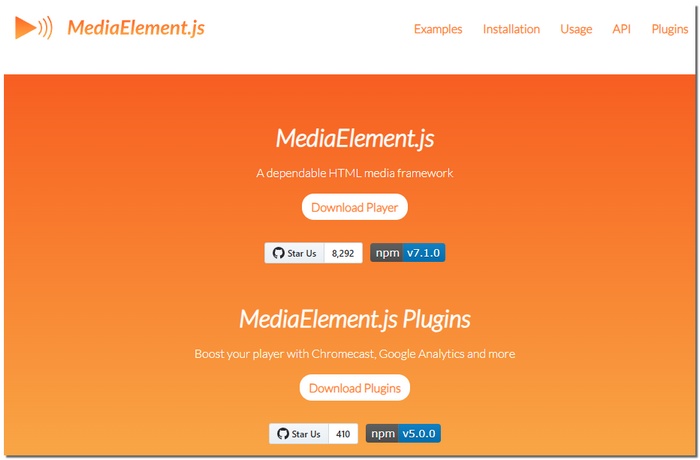
MediaElement.js is an HTML5 media player that is available free of charge and as open source. The main goal of the library is to allow playback that looks the same in all browsers. The player is great because it is very compatible with the web at a high level and you can control it without any trouble. The player puts a great emphasis on the web standards, accessibility, and user-friendliness, so it is the most perfect wrap video player for the internet that you can use. One of the main reasons why this tool is widely referred to as the best free online video player is that developers use it to embed videos.
pros
- Free and open source
- Strong HTML5 and cross-browser support
- Built-in accessibility features (captions, screen readers)
Cons
- Limited advanced playback features
- Requires basic web development knowledge
User Experience
MediaElement.js seems to be very stable and consistent in different browsers. After the integration, it gives a smooth playback and accessible controls, thus it can be referred to as a reliable, best free online video player for basic, standard-based video streaming.
Which to Choose: Comparison of 8 Online Video Players
| Tools | Supported Formats | Video Quality | Audio Output | Playback Control | Video Editing | Free to Use |
|---|---|---|---|---|---|---|
| VideoSolo Online Player | 120+ video & audio formats | Up to 4K | Hi-Res Dolby Atmos/DTS | Play, pause, forward, backward, volume control, and screen modes | Trim, crop, add video/audio tracks and subtitle tracks, video clips, and adjust video effects | ✅️ |
| Video.js | MP4, WebM, Ogg, and other common media formats | Adaptive Bitrate Streaming (ABR) | High-quality | Play/Pause, Volume, Seeking, Playback Rate | trimming, cropping, resizing, and UI manipulation | Need to pay for plugin licenses. |
| JW Player | MP4, MOV, WebM, HLS, MPEG-DASH, etc. | Up to 4K | 5.1 surround sound | Play, pause, speed control, and others | Adaptive streaming technology and extensive customization options | ❌️ ($25/month) |
| HLS.js | HLS, fMP4, MPEG-2, AAC, MPEG Audio (MP3), etc. | Adaptive Bitrate Streaming (ABR) | High-quality | Play/pause, volume, seeking, muting | 200+ settings, configurable skins, icons, colors & modules | ❌️ ($150/month) |
| Flowplayer | MP4, HLS, MPEG-DASH, WebM, MP3, AAC, etc. | 1440p (4K) | AAC-LC at 128-256 kbps, with sample rates at 48kHz | Play/pause, volume, seeking, and adaptive streaming | Edit video metadata, create chapters, set posters, and customize the UI via CSS, JavaScript, or custom plugins | ❌️ (Custom Pricing Available) |
| ScreenPal | MP4, MOV, AVI, and FLV | Up to 4K | Professional-level | Pause, adjust volume, toggle captions, speed, and use full-screen mode. | Trim, rich text overlays, shapes, image insertion, green screen effects, and royalty-free stock music | Free version and various pricing plans |
| RealPlayer | MP4, AVI, WMV, FLV, MP3, WAV, etc. | 720kbps to 8K | Up to 320kbps MP3/M4A | Play/Pause, Rewind, Fast Forward, Volume control, Video Resizing, Shuffle/Continuous Play | brightness, contrast, and saturation (Plus/Premium) | Free Plan and paid subscription plan around $24.99–$49.99/year |
| MediaElement.js | MP4 (H.264), WebM, Ogg, MP3, WAV, AAC, and more. | 720p, 1080p | High-quality | Play/pause, current, progress, duration, volume, and full screen | ❌️ | ✅️ |
FAQs on Online Video Players
Can I play MOV files online without quality loss and lagging?
Yes. You can choose a format-compatible web video player like VideoSolo and ScreenPal. They both work for MOV format and output high-quality image effects up to 4K. Videosolo Online Video Player is free to use, while the latter tool has a free version you can try.
Can an online video player load a local SRT subtitle file?
Yes. VideoSolo Online Video Player will enable users to add external subtitle tracks (like SRT, VTT, or ASS) while playing the video. Since the decoding happens directly in your browser, you don't need to upload your subtitle files to any server, ensuring 100% privacy and zero lag.
Which is the best easy-to-use video player?
VideoSolo Online Video Player stands out as the top choice, especially compared to other web-based video player tools like Video.js, JW Player, or HLS.js. They are actually open-source JavaScript libraries or frameworks for developers to build players into websites, requiring coding knowledge and server configuration. Unlike that, VideoSolo is suitable for those who want to watch a video immediately with zero hassle.
Conclusion
For daily viewing needs, an online video player is handy for fast, cross-device accessibility, letting you play video instantly from any browser. Modern web video players also support a wide range of formats, integration with cloud storage, and more useful features. If you just want an easy way to watch videos for quick access and solid performance, we highly recommend VideoSolo Online Player - it's completely free to use without any complicated setup. You can have a high-end, ad‑free multimedia playback.
More Reading

Play your videos/music in 100+ formats and region-free DVDs/Blu-rays with 4K and Dolby Atmos experiences.

