



 Download VideoSolo Player For FREE!
Throughout the years, I've been mostly dependent on Samsung devices, and what I figured out was that the Samsung video player is good enough for simple playback, yet it doesn't work altogether. At some point, a lot of users simply get the feeling that their files are not supported with errors, or that the playback itself is problematic, or the video file doesn't open at all. These difficulties become a lot more visible when you are dealing with HD videos, rare codecs, or very large media collections.
Thankfully, you don't have to stick with the default player alone. There are numerous alternatives that provide broader compatibility, faster and smoother performance, and also more playback features. This guide will discuss the downsides of the built-in player of Samsung and also highlight the alternatives that serve best in different scenarios to help you decide the one that suits your watching needs.
Part 1. Default Samsung Video Player and Its Limitations
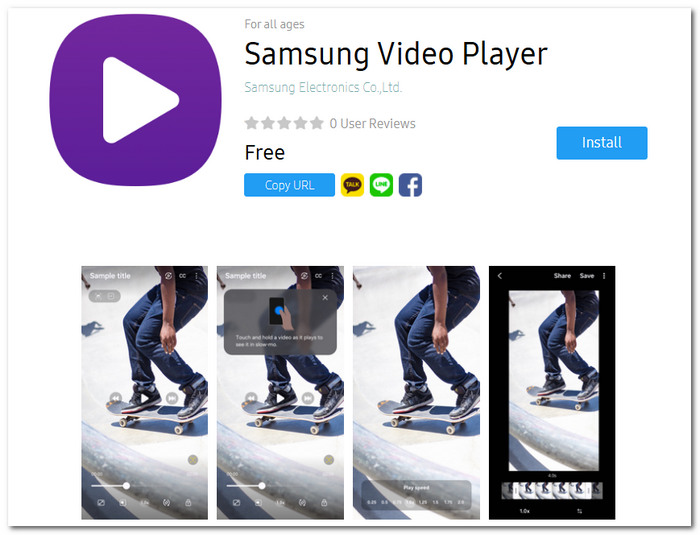
What Is the Samsung Video Player?
Samsung devices come preloaded with the native Samsung video application, which serves as the default media player. Using this app, one can view locally stored videos, organize media files, and simply control playback without the need to install other software.
Common Limitations
Though the Samsung video player is quite handy for regular work, a few issues arise with it when handling heavy media files:
- • It supports only a limited number of video and music codecs.
- • It may have a hard time playing very high-bitrate 4K and 8K videos, which can cause the playback to freeze or become choppy.
- • It does not allow you to play Blu-ray ISO files or Blu-ray folders.
- • It is missing the advanced playback features of dedicated media players.
- • It may be a problem working smoothly with a large media library.
Why Does "File Format Not Supported" Appear?
"File Format Not Supported" error usually arises if the video file uses an encoding method that the player cannot decode. Even though the file extension is among the most common, e.g., MP4 or MKV, the video or audio codec inside the file may be incompatible with the player.
On Samsung mobile devices, the main culprit is almost always unsupported codecs or videos recorded in unique formats. Besides that, on desktop systems, the error may be due to the absence of codec support, software being out of date, or media players being incapable of correctly decoding the file's encoding method.
Since new video formats keep getting introduced, incompatibilities happen more frequently, which is why many people resort to alternative media players that handle a wider range of video formats.
Part 2. Top 5 Samsung Video Player Alternatives
There are several alternatives if you find that the default Samsung video player falls short of your requirements. A few alternatives will help you get the best format compatibility, smoother playback, and advanced features. Here we have listed the top five options that can handle all your needs, from simple videos to 4K videos and Blu-ray media.
Top 1. VideoSolo Player [Best for 4K, Blu-ray, and Universal Format Support]
Rating: ⭐ 5.0/5
VideoSolo Player is a professional multimedia player that aims to provide smooth video playback. It is a great option for those seeking more features than the built-in Samsung player because, apart from supporting lots of formats, it can also play high-resolution videos, Blu-ray discs, DVDs, and handle advanced codecs.
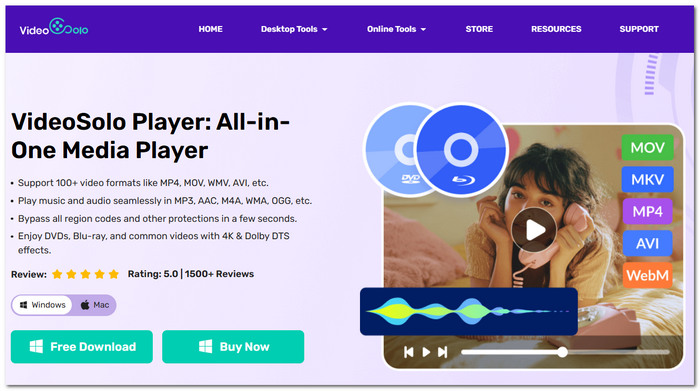
Best For: Users seeking a comprehensive media player with advanced format compatibility, Blu-ray discs, DVDs, and 4K videos.
 Features
- Deliver great performance in 4K UHD video playback, as well as support high-bit-rate video smoothly
- Capable of supporting Blu-ray discs, Blu-ray ISO files, and DVD playback
- Works very well with the most popular video and audio formats
- Comes with high-quality audio decoding to produce an immersive sound experience
- Will allow you to play media files that may not work on a standard digital video player setup
 pros
pros
- Great support for various video formats, Blu-ray discs, and DVDs
- Playback of large, HD videos is very smooth
- The menu is simple and quite intuitive
 Cons
Cons
- You will have to pay for the license if you want to use some of the advanced features
Verdict
VideoSolo Player is the best all-around option by far in this comparison because of its broad format support, dependable performance, and top-notch playback features. If you are a regular viewer of 4K video, Blu-ray movies, or other files that the default Samsung player cannot handle well, then VideoSolo Player will be your one-stop solution.
Top 2. 5KPlayer [Best for AirPlay and Wireless Streaming]
Rating: ⭐ 4.5/5
5KPlayer is a multimedia player that offers wifi streaming, screen mirroring, and local video playback.
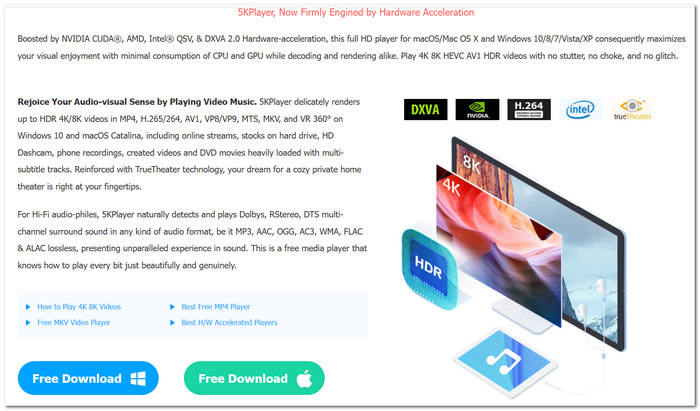
Best For: Users who frequently stream videos between devices using AirPlay or DLNA.
pros
- Wireless video streaming is made easier with built-in AirPlay and DLNA support
- Capable of handling 4K as well as high-resolution videos without problems
- The feature to download online videos is part of the pack
Cons
- The interface can be a little overwhelming as it has several built-in tools
- Exercise of users' reports of system resource usage possibly going through the roof during long playback sessions
User Review
Many people appreciate 5KPlayer mainly for the streaming features, and in particular, the 4K video playback. Interacting with multiple devices is one of the aspects that makes this media player interesting to some, while at the same time, those same people would like only the media playback function and a simpler user interface.
Users whose priority is just playing local media files and not streaming should get alternatives that support a wider range of formats. Using such media players would be a better experience than handling a Samsung internet video player.
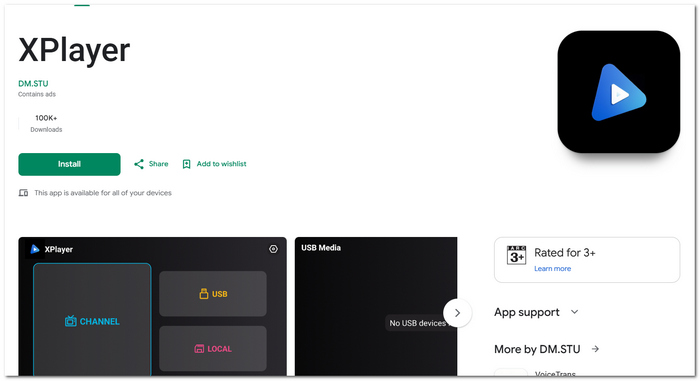
Top 3. XPlayer [Best for Android Users]
Rating: ⭐ 4.0/5
Best For: Users who want a feature-rich video player on Android devices.
XPlayer is an Android video player made for mobile users who require improved playback controls and compatibility for several video formats.
pros
- Private folder for sensitive videos
- Subtitle downloads and synchronization tools are supported
- Brings gesture control for brightness, volume, and speed of playback
Cons
- The free version has ads that might disrupt you at times
- Some top features can only be accessed by making in-app purchases
User Review
People like XPlayer for its handy mobile features and controls that are so simple to use. A great number of Android users deem it to be a very useful improvement from a typical Samsung video player APK, in particular when they have to handle a big number of videos on their phone.
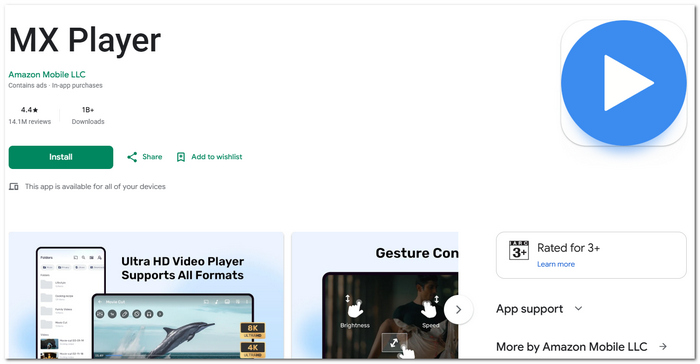
Top 4. MX Player [Best for Subtitle Customization]
Rating: ⭐ 4.0/5
Popular media player MX Player is renowned for its sophisticated subtitle support and adaptable mobile playback controls.
Best For: Users who frequently watch movies and TV shows with subtitles.
pros
- There are a lot of ways you can customize the subtitles, such as changing their size, color, and timing
- Taking advantage of multi-core decoding often means better playback performance on capable devices
- It is possible to play videos in the background or in picture-in-picture mode
Cons
- Most users will find the ads in the free version very distracting
- For some premium features, a subscription is necessary
User Review
MX Player gets a lot of praise from users, mainly for its subtitle options and fluid playback. For a lot of movie lovers, MX Player is a dependable alternative in case the built-in Samsung TV media player or video players on mobiles do not offer advanced controls for viewing.
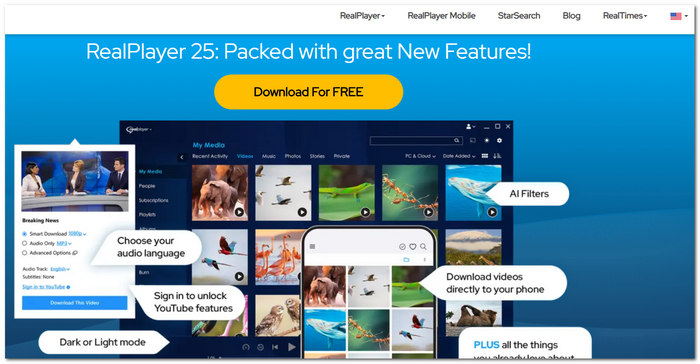
Top 5. RealPlayer [Best for Media Library Management]
Rating: ⭐ 3.5/5
RealPlayer is a well-known media player that offers file management, media organizing, and video playback capabilities.
Best For: Users who want to organize and manage large collections of videos and photos.
pros
- Integrated media library functions to arrange videos and pictures
- Enables cloud backup support as well as file syncing features
- Has elementary facilities for video downloading and format changing
Cons
- The interface is a bit outdated in comparison with the latest media players
- It is not the best media player for the playback optimization of high-bitrate 4K content
User Review
Generally, the users really like RealPlayer due to its media handling facilities and file organizing capabilities. It can still be a helpful tool for those who want to organize their personal media closet. But a lot of them will go for more recent options if their main criteria for the best Samsung video player substitute are based mainly on the quality of the playback.
Part 3. How to Play 4K Videos on Samsung
In the case when you face difficulties playing 4K videos, VideoSolo Player can be your assisting hand as it improves format compatibility and ensures a smoother flow. Here is how you can use VideoSolo Player to play 4K videos:
Step 1. First, head over to the official website of VideoSolo and download the latest version of VideoSolo Player, then install it on your computer. Open it from your desktop or start menu once it is installed.
Step 2. Hit the Open File option and then choose the 4K movie you want to watch.
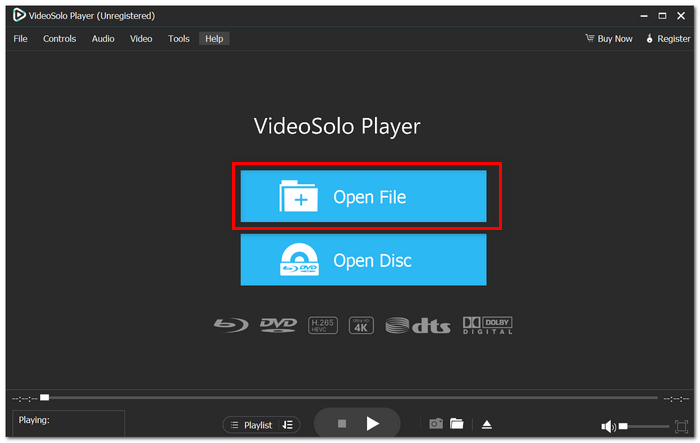
Step 3. The video starts playing automatically after the file is uploaded. You can click play/pause, forward, adjust the volume, or enter full-screen by using the control panel. If you want to have a fluent playback of highly compressed 4K videos, you need to enable hardware acceleration in the player settings.
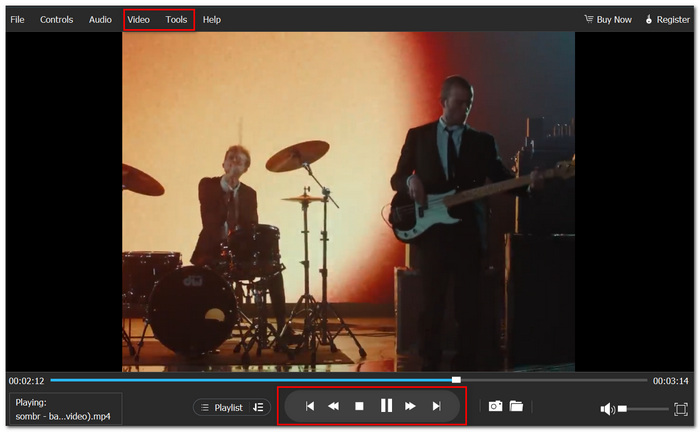
This player is set out to optimize the efficiency of playback so that you get to enjoy watching 4K videos with your ears and eyes satisfied at the end of each session.
Part 4. FAQs on Samsung Video Player
Q: Why are there videos in my gallery that are not visible in the Samsung Video Player?
A: It may be that the gallery, recognizing the video file as a media file, is able to list it. Though the Samsung Video Player is unable to play it, perhaps because of unsupported codecs, file structure, or metadata.
Q: Are videos recorded by drones or action cameras supported by Samsung Video Player?
A: That will be related to the video codec and other recording settings. In fact, some high-bitrate or specialized formats that the player does not support by default may be in these files.
Q: Can Samsung Video Player performance be affected by the microSD card storage speed?
A: Yes, a very old or slow memory card can cause buffering, playback delays, and video stuttering when dealing with large video files.
Conclusion
Samsung's default video player is fine for simple watching, but it might have difficulties dealing with advanced video formats, high-resolution videos, and Blu-ray materials. To be on the safe side and have the latest device running, a media player with wider format support can change your world. Also, if you watch 4K files or have a Samsung digital video disc player with a good configuration, the best player is always your friend - you'll get the maximum pleasure from the viewing with no interruptions.
More Readings

Play your videos/music in 100+ formats and region-free DVDs/Blu-rays with 4K and Dolby Atmos experiences.

