



 Download Screen Recorder For FREE!
I've used lots of game recorders over the years. The main problem wasn't even getting the recording - it was finding one that didn't totally mess my game up. The software would bring me down to a few FPS in the middle of a game, some of the others would create big video files that filled up my storage, and a few actually made me miss out on important game moments. The problems I mentioned above can be really frustrating for a gamer and even a content creator. So here are the results of testing the most popular Free Game Recording software, including how smooth the capture was, the video quality, and whether it put an extra strain on the computer.
Part 1. How to Choose the Best Free Game Recorder
The best free game recorder should record smooth gameplay without losing FPS or overloading the computer. While evaluating each recording software, I was looking at those aspects that would be of the main concern to gamers and content creators.
Hardware Efficiency
Opt for software that leverages GPU hardware acceleration, which will result in lessening CPU loading and ensuring that playback remains smooth when playing the recording of the game.
Dual-Audio Track Separation
Having game audio, microphone, and voice chat separated allows for easier editing and better control over your end product.
Instant Hotkey Clip Generation
This feature is quite handy since it allows a user to instantly save a clip of the game without the need to pause the match at the same time.
Part 2. 5 Best Free Game Recording Software
1. VideoSolo Screen Recorder – Best for Smooth 60FPS+ Gameplay Capture
Score: ⭐⭐⭐⭐⭐ 5/5
What's Cool
If I could only suggest one, I would definitely go with this one because of its very user-friendly interface that allows for great gameplay capture with practically no frame rate effect.
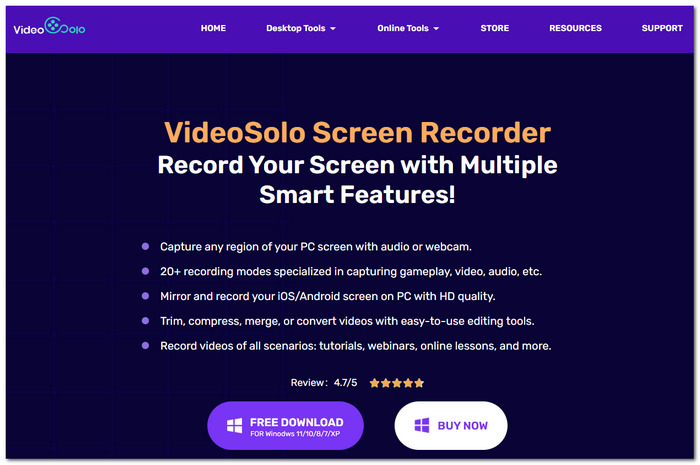
VideoSolo Screen Recorder deserves your attention as one of the best free software for recording games if your intention is to record a video of gameplay as well as your microphone, your webcam, and the system audio without really deteriorating the performance of your PC. From an experienced user's perspective, the program will have you hooked in, and it will never feel like it has any steep learning curve.
My Testing Feedback
I tried out VideoSolo Screen Recorder while I was in the middle of a very fast and exciting playthrough, and I really liked it because everything seemed perfect and was as fluid as it could get. To my great surprise, it has support for hardware acceleration with NVIDIA, AMD, and Intel GPUs, so most of the time while I was recording, the CPU only got up to about 4% utilization. That means the recorded gameplay had frame rates of around 60 with no hitch and without even having a CPU slowdown in extremely demanding games like Cyberpunk 2077 and VALORANT.
User Feedback
Based on my reading of user reviews, a lot of gamers seem to like VideoSolo Screen Recorder because it is easy on system resources and takes only a few clicks to get started with. They also commend the feature for reducing microphone noise, which helps a lot to get rid of background sounds like the noise from mechanical keyboards, cooling fans, and other environmental noises. Thanks to these features, players' voice lines remain very clear and uninterrupted during gameplay. This is particularly helpful for streamers and content creators who would prefer to get the cleanest and most focused commentary without having to do extra audio editing.
2. OBS Studio – Best Open-Source Platform for Advanced Live Streamers
Score: ⭐⭐⭐⭐☆ 4.5/5
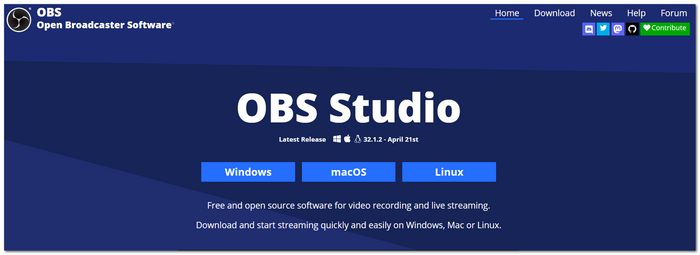
OBS Studio is a great choice when it comes to the best in-game recording software free for gamers seeking total control while recording gameplay and broadcasting live. A free, open-source platform and deep customizability are the two main factors that make it the number-one software choice of skilled developers.
 pros
pros
- You can have unlimited scenes and sources, and even add a layer for custom overlays, which are professional streamers' requirements.
- Lots of plugins are available that allow the expansion of your recording and streaming features beyond basic functionalities.
- The software's integration with Twitch, YouTube, Facebook Live, and other streaming platforms is flawless.
 Cons
Cons
- Compared to other game recorders, the interface seems very user-unfriendly.
- It takes quite some time to figure out and adjust the best settings for your video capture and encoding, especially if you are a newcomer.
Review Feedback
OBS Studio is frequently praised by both experts and users and is always at the top of their list of most preferred game recording software, with great versatility and comprehensive features. It has received a 4.6/5 rating on G2 from more than 130 reviews and users. First and foremost, users liked aspects like its customization and streaming features. TechRadar also puts it among the best free recording and streaming tools, but they also point out that for first-time users, the interface can be a bit overwhelming.
3. NVIDIA ShadowPlay – Best Zero-Overhead Tool for NVIDIA GPU Owners
Score: ⭐⭐⭐⭐☆ 4.5/5
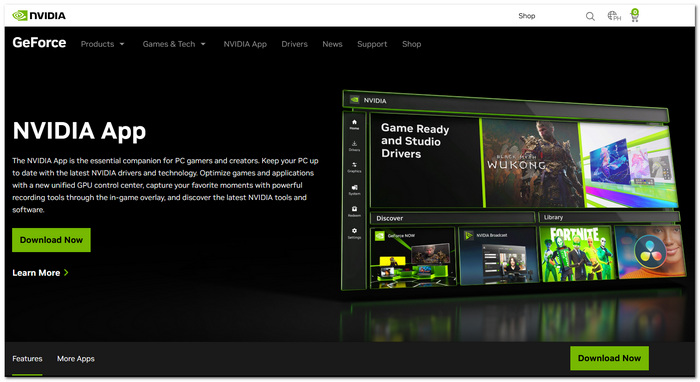
For gamers who own an NVIDIA GeForce GPU, NVIDIA ShadowPlay is definitely a great choice among top free game recording software options. ShadowPlay comes with the NVIDIA app, which allows hardware acceleration via GPU encoding to record gameplay while maintaining the system's performance almost unchanged.
pros
- Uses a dedicated NVIDIA GPU encoder to provide very little impact on system performance.
- Instant Replay feature automatically saves the last minutes of gameplay highlights, so you don't have to record everything manually all the time.
- Can record in great quality at 4K and/or in HD mode with high frame rates.
Cons
- Only works on PCs that have NVIDIA GeForce graphics cards compatible with the program.
- The lack of video editing and customization possibilities versus standalone video recording software can be disappointing.
Review Feedback
NVIDIA ShadowPlay has received a lot of good feedback on its gameplay performance barely being affected. Gamers, for instance, have recommended ShadowPlay very often on Reddit, as they stated it is good for playing competitive games since it barely affects gaming performance when it is running with the game. But PC Gamer and Tom's Hardware reviewers mentioned that the game recording is hardware-accelerated, and the feature for reliable replay is great, which are considered significant advantages.
4. Medal.tv – Best Specialized Software for Short Social Media Clipping
Score: ⭐⭐⭐⭐☆ 4/5
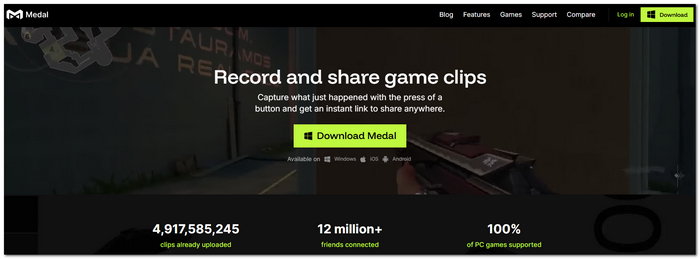
If you are looking for quick and easy ways to save and distribute gaming highlights, Medal.tv is one of the best free game recording software around that you will be amazed not only by its features but also at how little you get charged for them!
pros
- Automatically extracts exciting parts from your gameplay and allows you to clip them as you like.
- With inbuilt functions, you are able to cut, tweak, and publish your clips right away on any social network of your choice.
- Cloud sync is your way to easily locate and edit clips using any of your devices.
Cons
- A few premium features like the ones listed would not be accessible unless you subscribe to the Medal Premium.
- Optimal for brief videos, while longer gameplay may not be supported very well.
Review Feedback
Medal.tv has become a favourite clipper among gamers as it enables fast clipping of the best moments and offers the possibility of sharing them easily. Reddit is overflowing with users who suggest it as a way of making highlight reels, and PC Gamer commends its automatic clip capturing and the smooth editing tools, which benefit a lot those who make content for social media platforms.
5. Xbox Game Bar – Best Pre-Installed Native Windows Utility
Score: ⭐⭐⭐⭐☆ 4/5
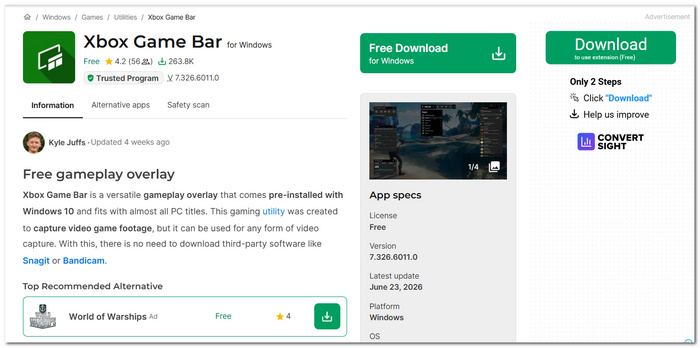
Xbox Game Bar is a feature that comes pre-installed with Windows OS. The best part is that you're not only able to record your Xbox gameplay but do it effortlessly via the OS without relying on any third-party applications. It's a perfect solution for casual gamers who want to record easily and quickly.
pros
- It is pre-loaded into Windows 10 and 11, so users do not need to download it separately.
- Performance monitoring is built-in and features real-time CPU, GPU, RAM, and FPS overlays.
- Allows users to record gameplay instantly by using only keyboard shortcuts.
Cons
- Does not offer the possibility of creating complex scene layouts with overlays or the features of a broadcaster.
- It is impossible to record the operating system desktop or File Explorer.
Review Feedback
One of the most recommended recording tools by Microsoft and tech reviewers for casual gamers is Xbox Game Bar. PCMag highlights its easy integration with Windows, and in reality, its controls are very user-friendly. Also, a big plus for many users is that it can be used instantly without setting up anything additional. This makes it perfect for newbies as well as occasional gameplay recording.
Part 3. FAQs on Free Game Recording Software
Q: What recording resolution should I choose for gaming videos?
A: If quality is not very important in gaming but you want fast video performance on your PC, 1080p at 60 FPS gives you the best video with smaller files. If your PC has sufficient power, you can even record in 1440p or 4K.
Q: H.264 or HEVC, which one to choose?
A: H.264 is well suited for most editing software and video platforms, whereas HEVC (H.265) results in files with a small size that can still maintain comparable quality levels. But HEVC might be demanding for processing power and might not be a supported format of every editor.
Q: Is it possible that I can record the past few minutes of gameplay only?
A: You can do this. Certain game recording software can keep recording the gameplay in the background all the time and allow you to take a screenshot with Instant Replay and Replay Buffer just after an interesting moment that you want to be saved.
Conclusion
I tried the different products for myself and came to the conclusion that there is not only the best free game recorder on the market, but it also highly depends on what kind of gamer you are. The free game recorder with the features and specifications that best fit your hardware will help you record a professional-quality gameplay video.
More Readings
Capture screen activities, audio, webcam, gameplay, and mobile screens on Windows and Mac with high quality.

